Using Your Projector 55
Set-up Bluetooth Speaker
NOTE:
a
Bluetooth transmitter range is 10 m.
b
Bluetooth sound profile supports Stereo (2 channel).
c
The S718QL projector Bluetooth transmitter can only communicate
with one Bluetooth speaker at a time.
d
Once a Bluetooth speaker is paired, the projector will automatically
connect to it when the projector is turned on.
e
If there is a time lag between the projector's speaker and the Bluetooth
speaker, you may choose to disable the projector's speaker.
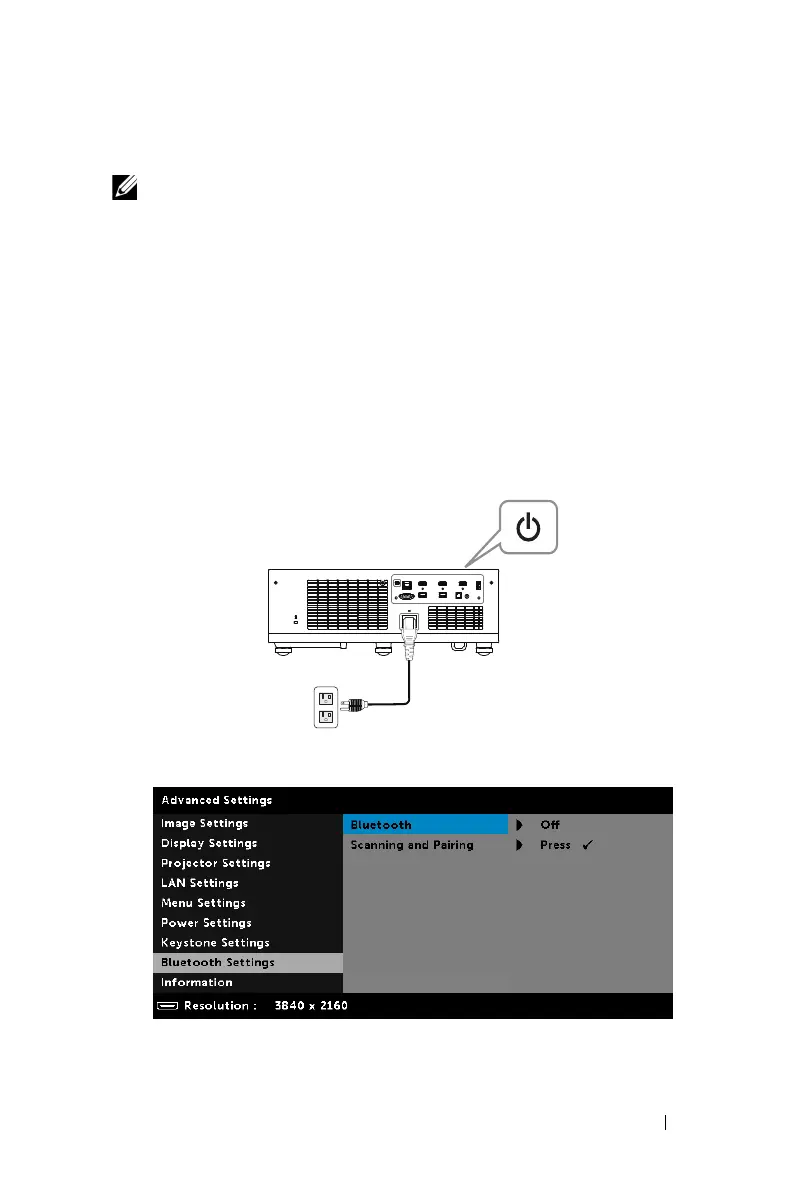
Connecting to Bluetooth Speaker
1
Connect the power cable and turn on the projector by pressing the power
button.
2
Access the
Advanced Settings
menu. Select the
Bluetooth Settings
and
then turn-on
Bluetooth
feature on the sub-menu.



 To Next Page