22 Adjusting Projector Image
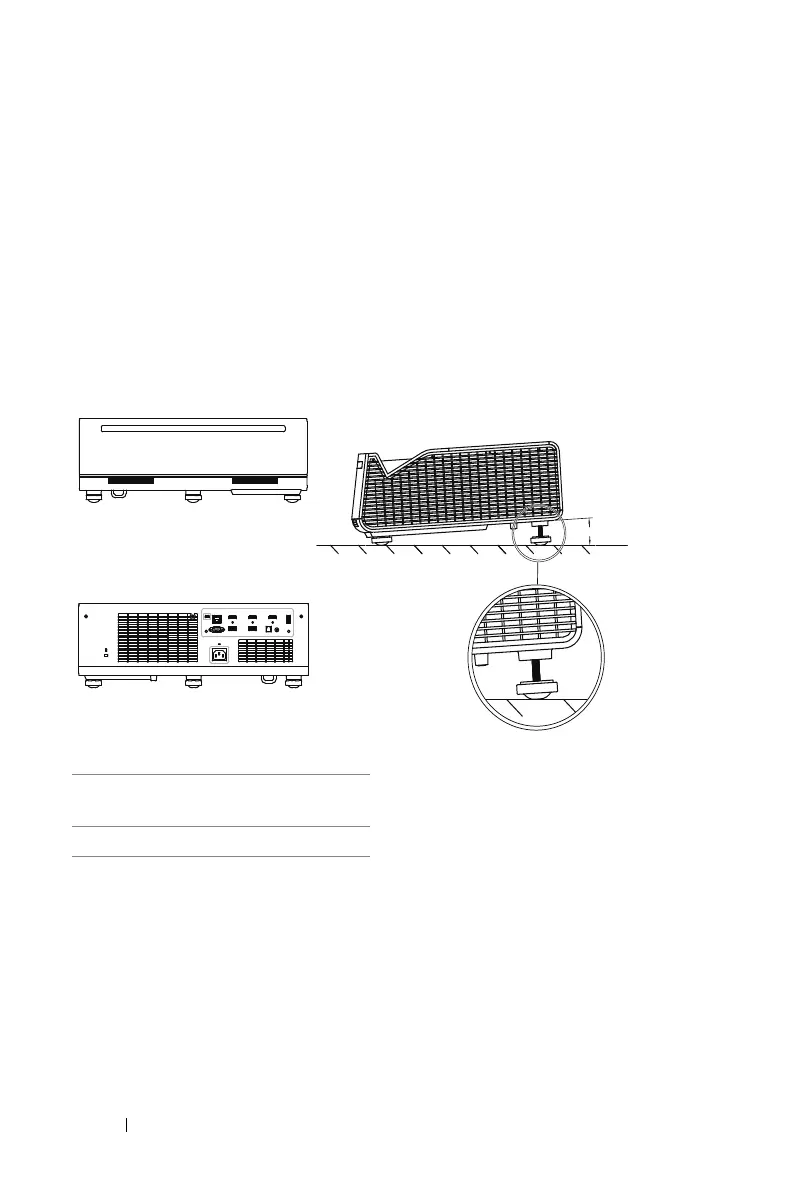
Adjusting Image Height
Raising the Projector Image Height
1
Extend the
rear tilt adjustment wheel
to raise the image.
2
Use the keystone settings to make the image shape to be a rectangle. Refer
to section on Page 27 Adjusting Image Corners for more information about
fine adjustment of the keystone settings.
Lowering the Projector Image Height
1
Extend the
front tilt adjustment wheels
to lower the image.
2
Use the keystone settings to make the image shape to be a rectangle.
1 Rear tilt adjustment wheel
(Angle of tilt: 0 to 3.6 degrees)
2 Front tilt adjustment wheel



 To Next Page