Adjusting Projector Image 23
Projector Image Focus Adjustment
1
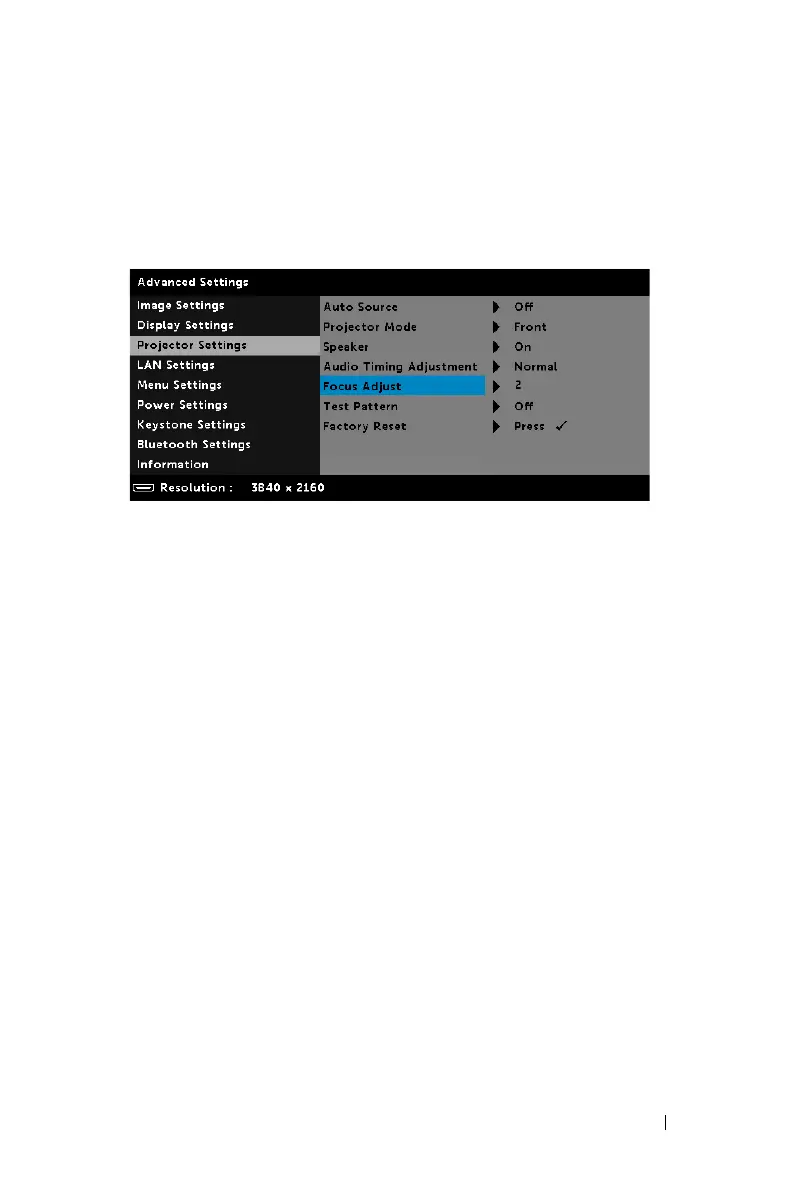
The Dell S718QL supports power focus. When the projection screen is
blurred, you can use the
Power Focus
option to adjust the screen until it is
clear.
Steps: Advanced Settings > Projector Settings > Focus Adjust
2
Adjust the focus until the image is clear. The projector focuses at distances
ranging between 3.9 inches to 8.9 inches (9.9 cm to 22.6 cm).



 To Next Page