Adjusting Projector Image 27
Adjusting Image Corners
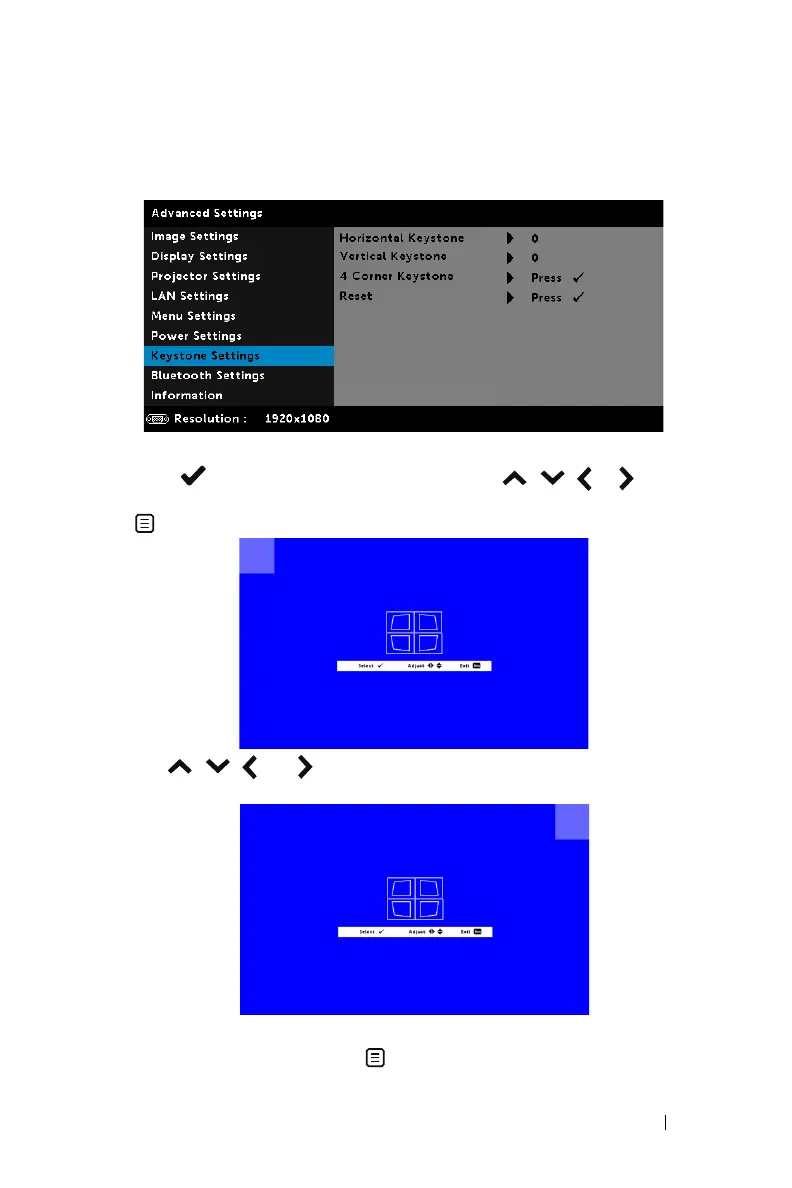
Use 4 corner adjustment features to get perfect, rectangular images.
1
Advanced Settings > Keystone Settings > 4 Corner Keystone
2
Press to start adjusting the first corner. Use
, ,
or to move
the corner position. Once satisfied with the new position of the corner, press
to return to the previous step.
3
Use
, ,
and to select another corner to adjust. Repeat Step 2 to
adjust the corner to desired position.
4
Repeat Step 3 to select another corner to adjust.
5
When you are finished, press
button to exit.



 To Next Page