18 Adjusting Projector Image
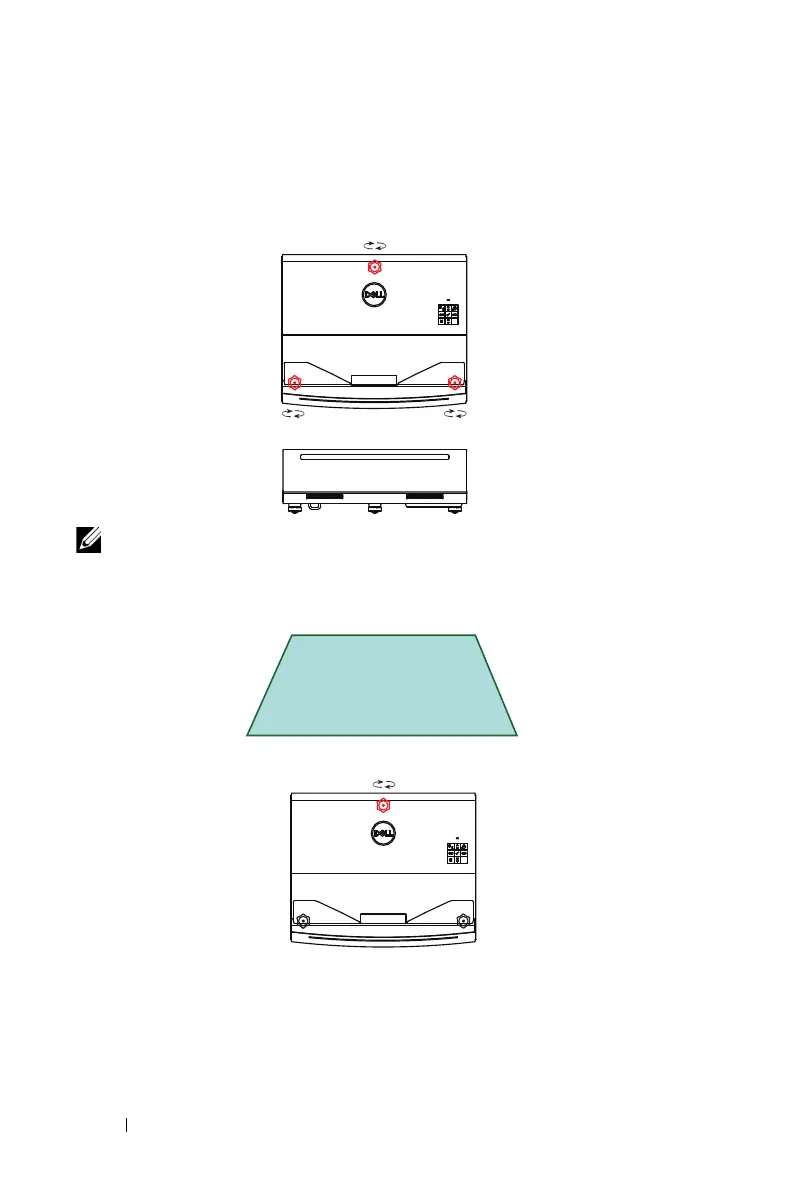
Adjusting Image Shape
1
Turn the
front tilt adjustment wheels
and
rear tilt adjustment wheel
such that there are no gaps between the projector and wheels.
NOTE: Adjustment wheels can only be extended/protrude by 2cm,
after which they fall out.
2
Extend the
rear tilt adjustment wheel
if the projected image appears as
shown below:
1
22



 To Next Page