Adjusting Projector Image 15
Aligning Projected Image To A Projection Screen
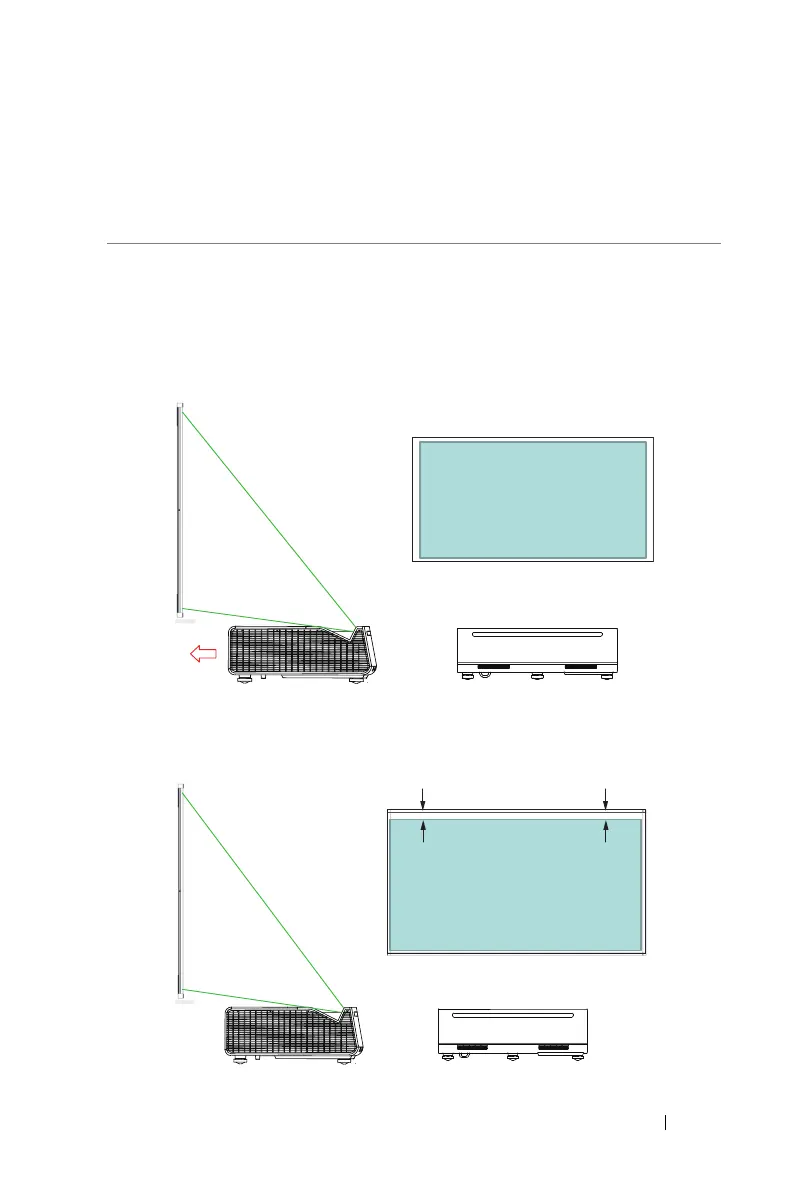
To ensure that the projected image shows within the surface of a projection
screen, use the following method:
1
Move the projector close to the screen, and form a rectangular image that is
smaller than the screen itself.
2
Check that the bottom edge of the projected image aligns with the bottom
edge of screen frame, and the top edge of the projected image is level with
the screen.
2
Adjusting Projector Image
AA



 To Next Page