Setting up the monitor │ 29
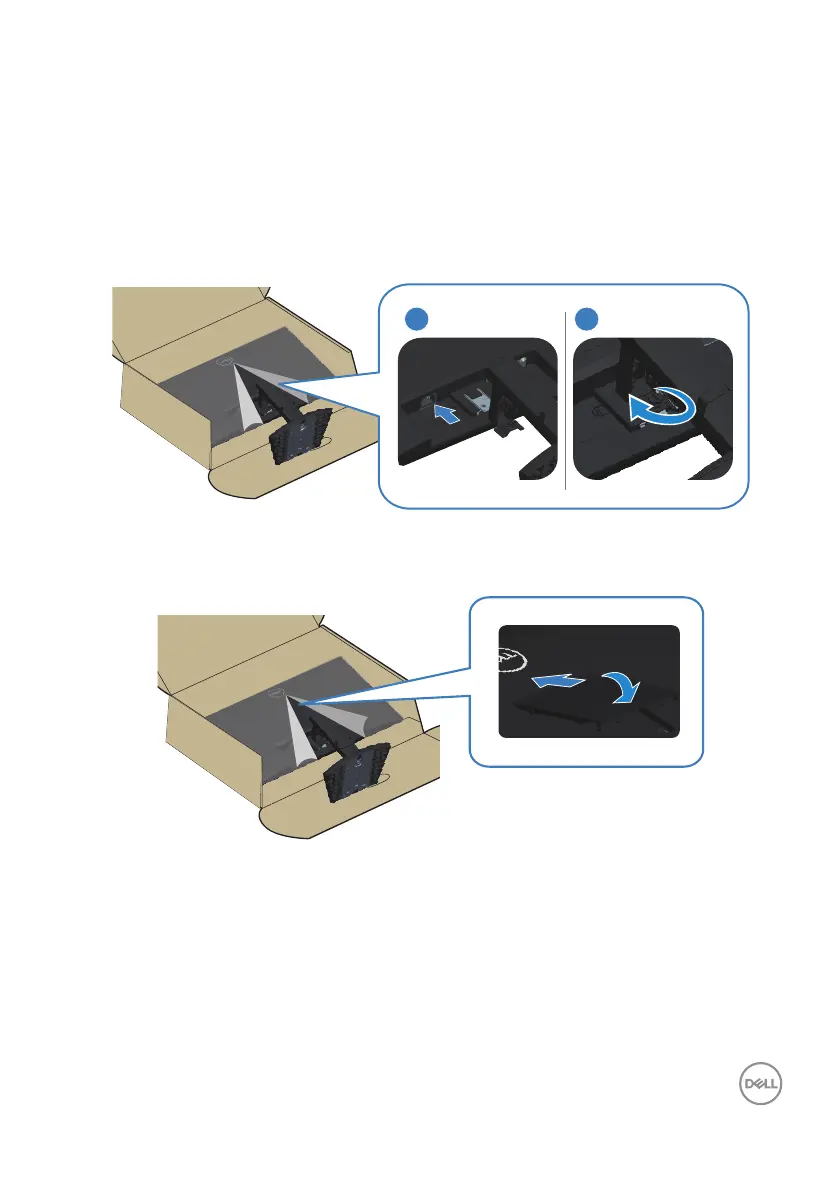
6. Install the stand assembly on the monitor.
a. Slide the tabs on the stand assembly into the slots on the monitor
completely.
b. Open the screw handle on the stand riser and rotate it clockwise to secure
the stand assembly to the monitor.
c. Close the screw handle.
1
2
7. Align and insert the VESA cover into the VESA slot on the monitor, and then
press it down firmly to lock it into position.



 To Next Page