34 │ Setting up the monitor
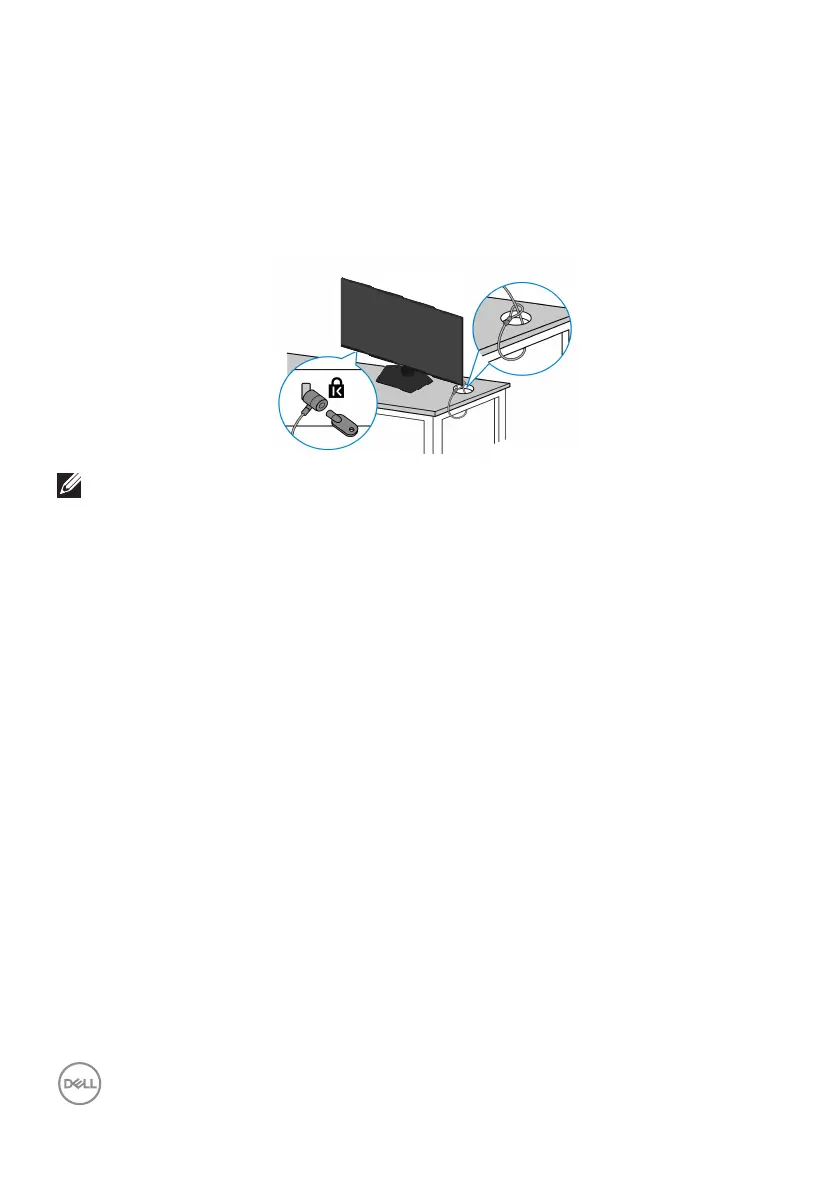
Securing your monitor using Kensington lock (optional)
The security-lock slot is located at the bottom of the monitor. (see Security-lock
slot). Secure your monitor to a table using the Kensington security lock.
For more information on using the Kensington lock (sold separately), see the
documentation that is shipped with the lock.
NOTE: The image is for the purpose of illustration only. The appearance
of the lock may vary.



 To Next Page