Troubleshooting │ 57
Dell
P2418HZ
Dell 2X Monitor
No DP Cable
The display will go into Standby mode in 4 minutes.
www.dell.com/SE2X23DS
?
SE2X23DS
NOTE: This dialog box appears even during normal operation and when
the video cable is disconnected or damaged.
4. Turn off your monitor and reconnect the video cable; Then, turn on your
computer and the monitor.
If your monitor remains dark after you reconnect the cables, check your video
controller and computer, as your monitor is functioning properly.
Built-in diagnostics
Your monitor has a built-in diagnostic tool. It helps you determine if the screen
abnormality that you are experiencing is an inherent problem with your monitor, or
with your computer and video card.
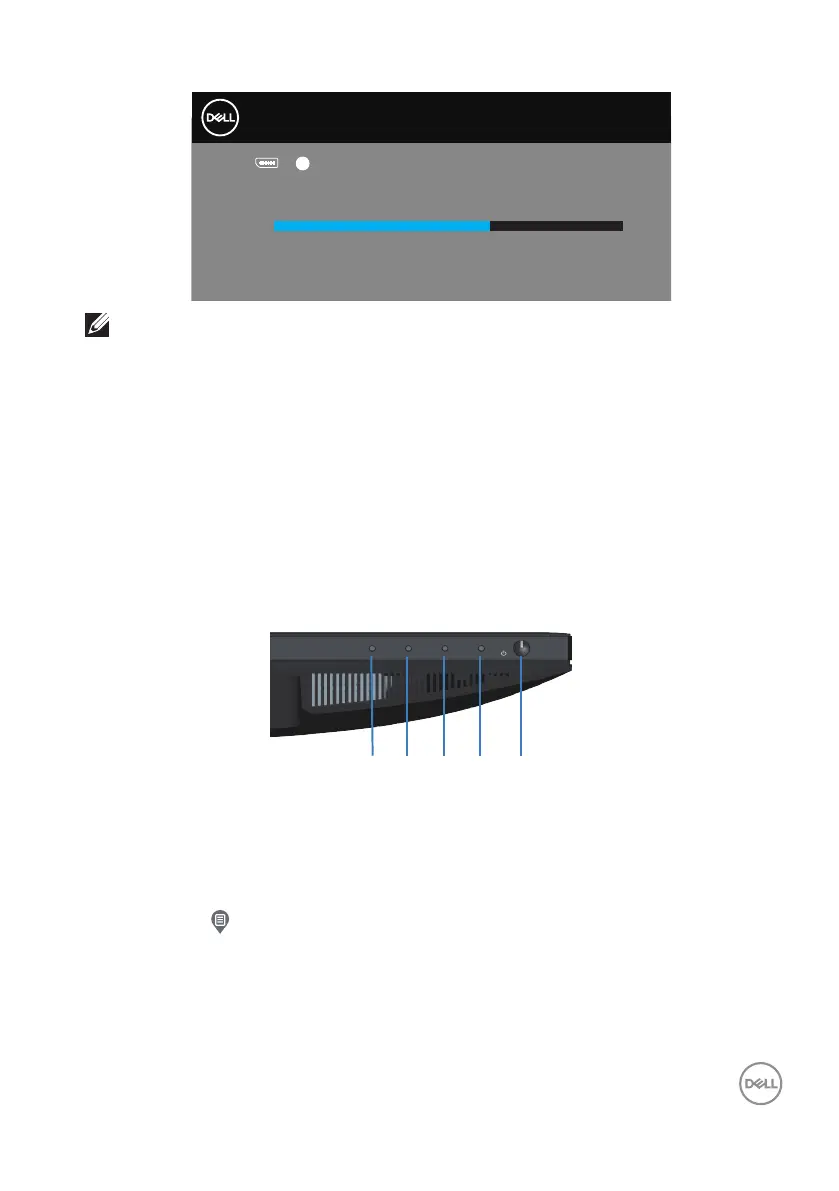
1 2
3
4 5
To run the built-in diagnostics:
1. Ensure that the screen is clean (no dust particles on the surface of the
screen).
2. Press the button (button 3) to launch the OSD menu.
3. Use front-panel buttons to select Others > Self-Diagnostic to initiate the
self-diagnostic process.



 To Next Page