58 │ Troubleshooting
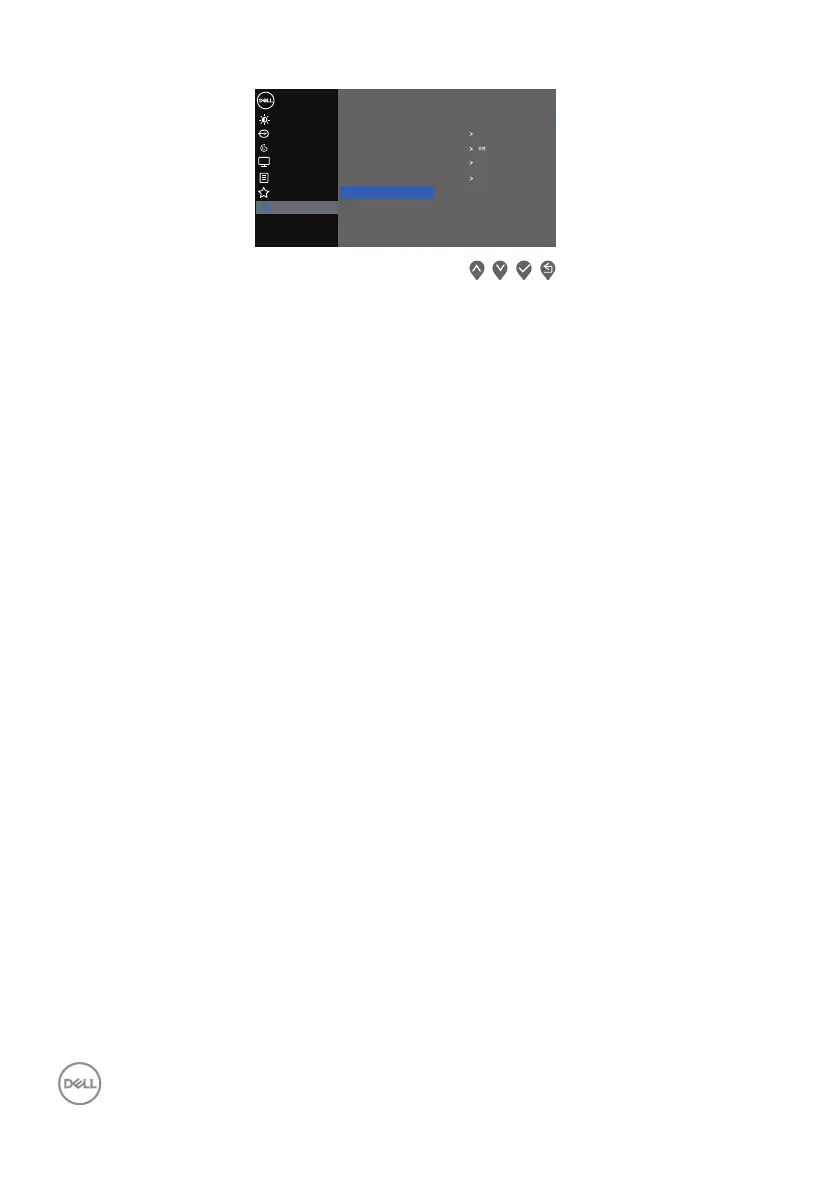
Input Source
Color
Display
Dell 2X Monitor
Brightness / Contrast
Personalize
Menu
Others
Display Info
DDC/CI
LCD Conditioning
Firmware
Service Tag
Reset Others
Factory Reset
On
X3CXXX
ABCDEFG
Self-Diagnostic
4. When initiated, a gray screen apppears. Inspect the screen for abnormalities.
5. Press on front-panel buttons. The color of the screen changes to red. Inspect
the screen for abnormalities.
6. Repeat step 5 to inspect the display in green, blue, black, white, and text
screens.
7. The test is complete when the text screen appears. To exit, press on front-
panel buttons again.
If you do not detect any screen abnormalities upon using the Built-in diagnostics
tool, the monitor is functioning properly. Check the video card and computer.



 To Next Page