26 | About your monitor
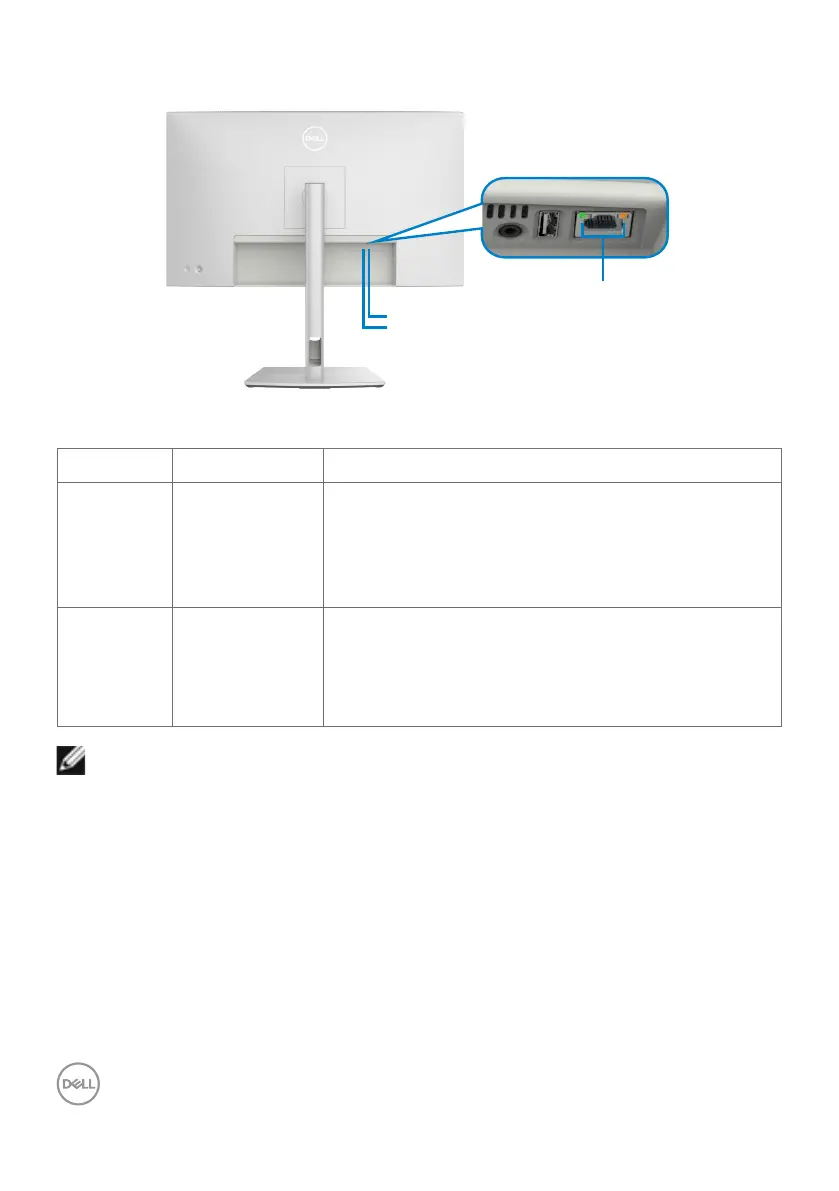
RJ45 Connector LED status:
Left LED
Right LED
LED
LED Color Description
Right LED Amber or Green Speed indicator:
•AmberOn-1000Mbps/2.5Gbps
•GreenOn-100Mbps
•Off-10Mbps
Left LED Green Link / Activity indicator:
•Blinking-Activityontheport.
•GreenOn-Linkisbeingestablished.
•Off-Linkisnotestablished.
NOTE: RJ45 cable is not a standard in-box accessory.



 To Next Page