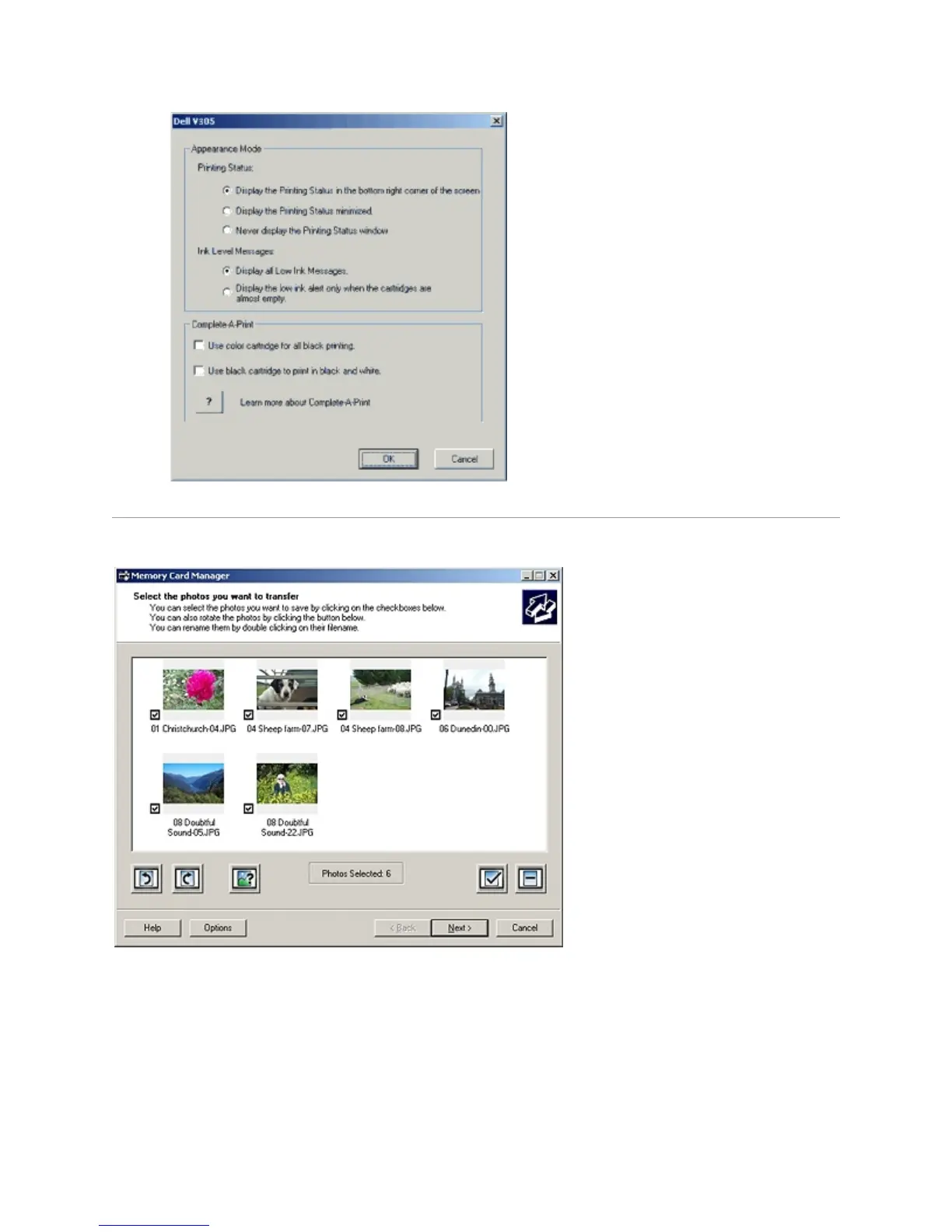
UsingMemoryCardManager
Memory Card Manager allows you to display, manage, edit, print, and save photos from your memory
card or USB memory key to your computer.
To launch Memory Card Manager:
1. Insert a memory card into the memory card slot or a USB key into the PictBridge port on the
front of the printer.



 To Next Page