4. Remove the battery
5. Remove the WLAN
6. Remove the hard drive assembly
7. Remove the display assembly
Steps
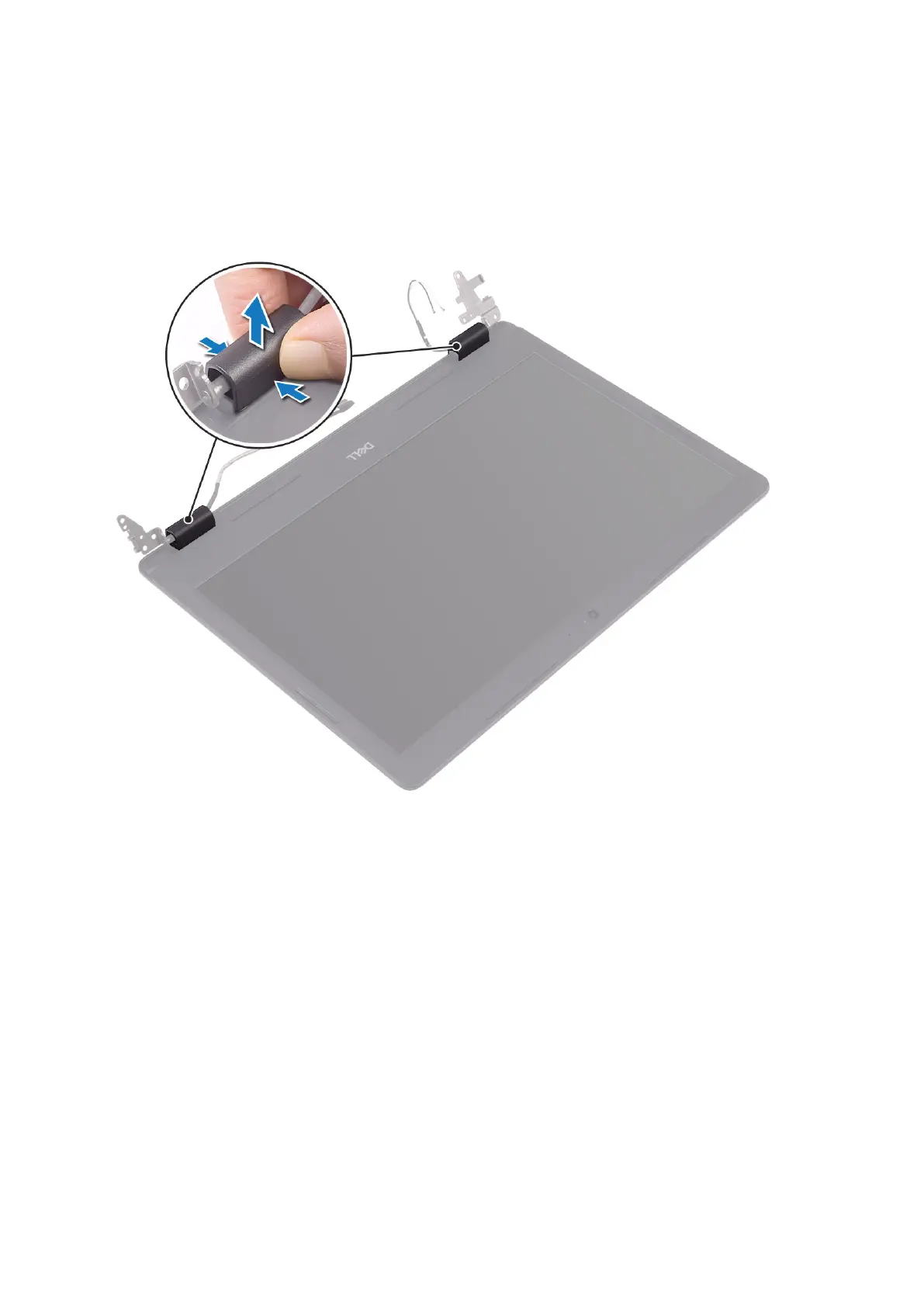
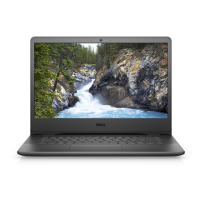
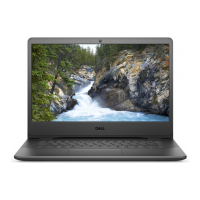
1. Push both sides of the display-hinge cover and lift it from the display back-cover and antenna assembly.
2. Pry the display bezel to release it from the display back-cover and antenna assembly [1].
3. Lift the display bezel off the display back-cover and antenna assembly [2].
Disassembly and reassembly
71


 To Next Page