Adjusting brightness in Windows 10
To enable or disable automatic screen brightness adjustment:
1
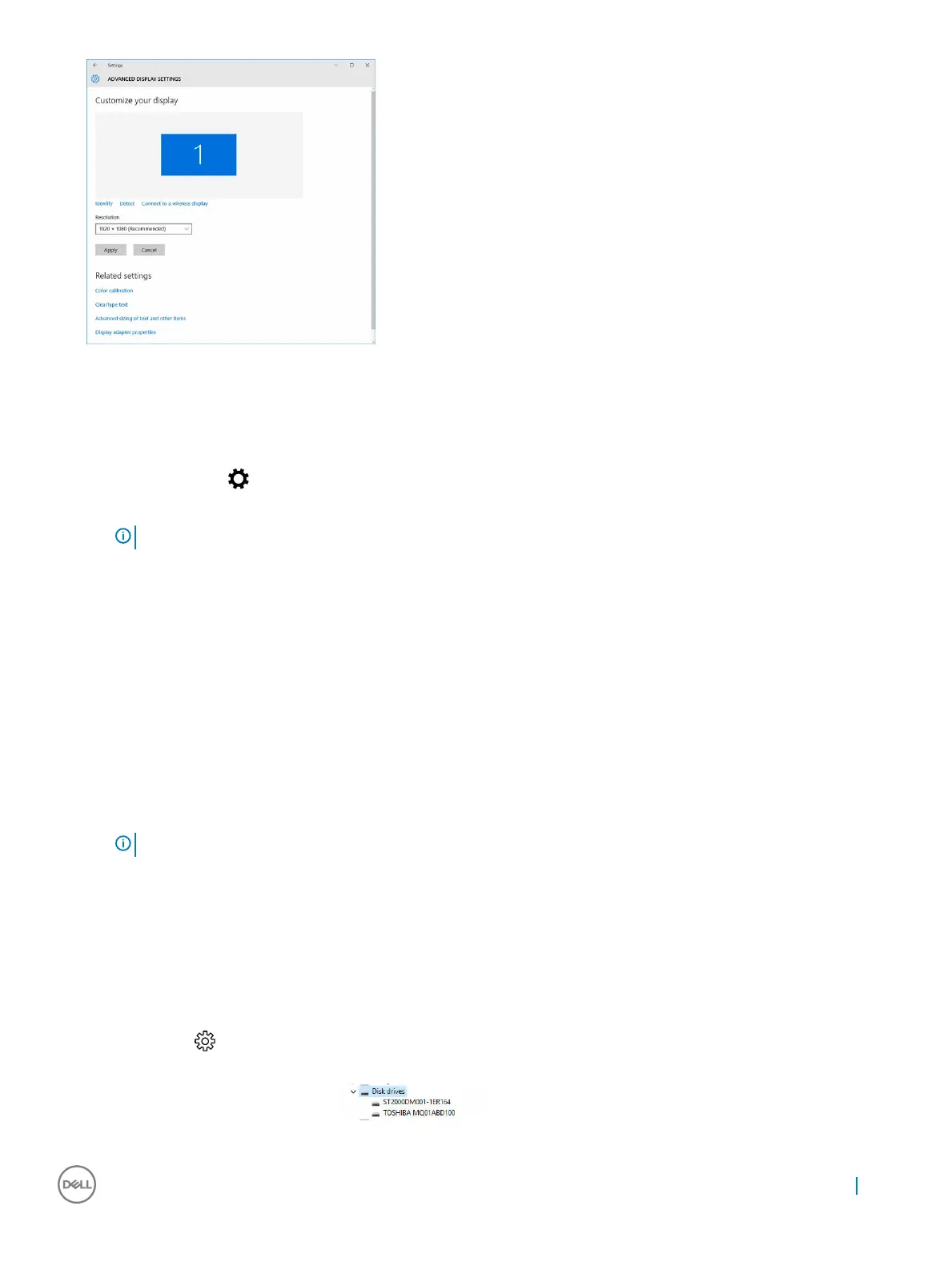
Right click All Settings → System → Display.
2 Use the Adjust my screen brightness automatically slider to enable or disable automatic-brightness adjustment.
NOTE
: You can also use the Brightness level slider to adjust the brightness manually.
Connecting to external display devices
Follow these steps to connect your computer to an external display device:
1 Ensure that the projector is turned on and plug the projector cable into a video port on your computer.
2 Press the Windows logo+P key.
3 Select one of the following modes:
• PC screen only
• Duplicate
• Extend
• Second Screen only
NOTE
: For more information, see the document that shipped with your display device.
Hard drive options
This computer supports HDD.
Identifying the hard drive in Windows 10
1 Click All Settings on the Windows 10 Charms Bar.
2 Click Control Panel, select Device Manager , and expand Disk drives.
The hard drive is listed under Disk drives.
Technology and components
29


 To Next Page