Printing Photos 13
From a Bluetooth-Enabled Computer
You can send photos from a Bluetooth-enabled computer to your
Dell Ink-Free Printer PZ310 for printing.
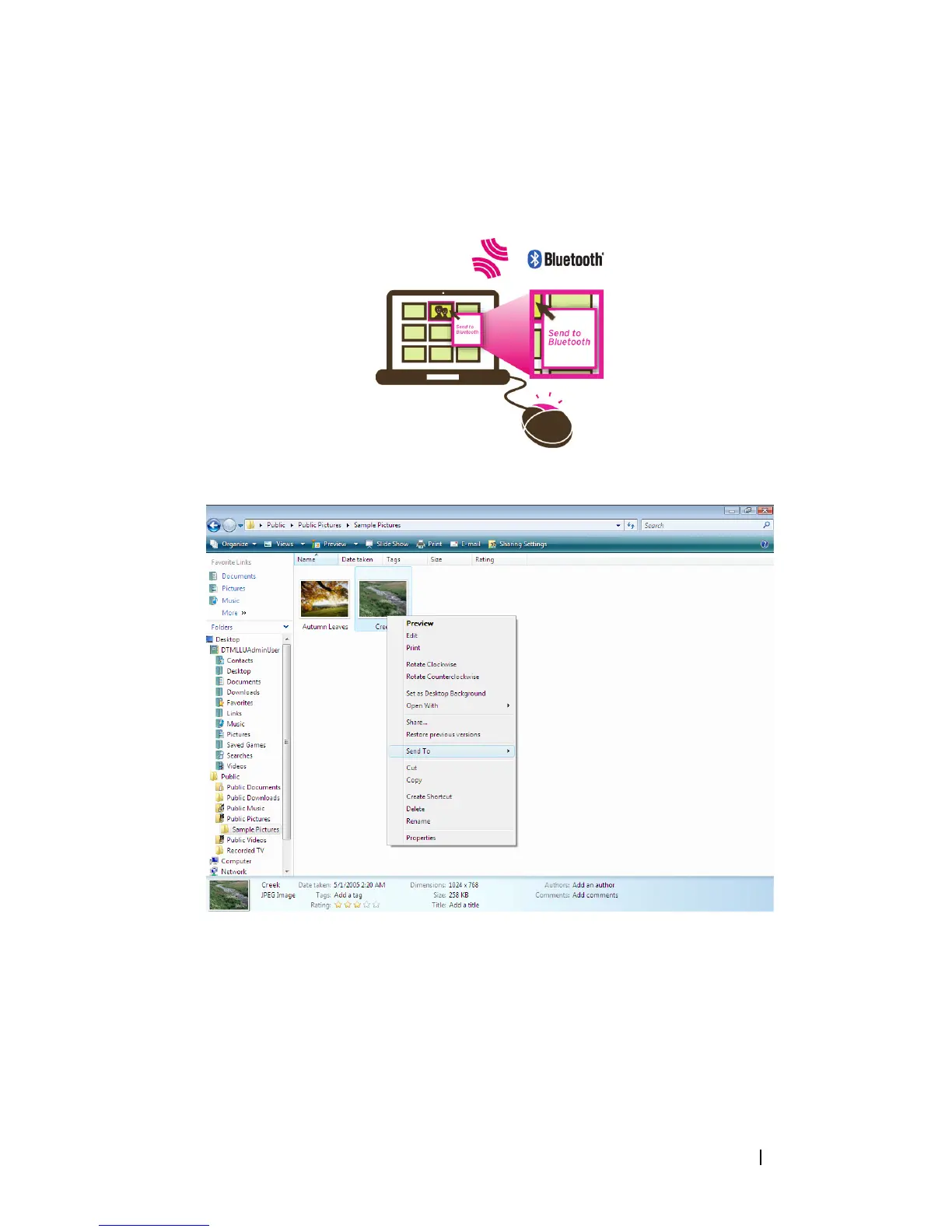
Printing Using File Browser
1
Browse and select the photo you would like to print using your Dell Ink-
Free Printer PZ310.
2
Right-click the selected picture and select
Send To
.
3
Search for devices and select
Dell PZ310
.
4
Click
Next
to start the file transfer.
Once the photo has been fully received, the printer starts printing
automatically.












 To Next Page