16
{
Turn on the equipment connected to the UPS.
{
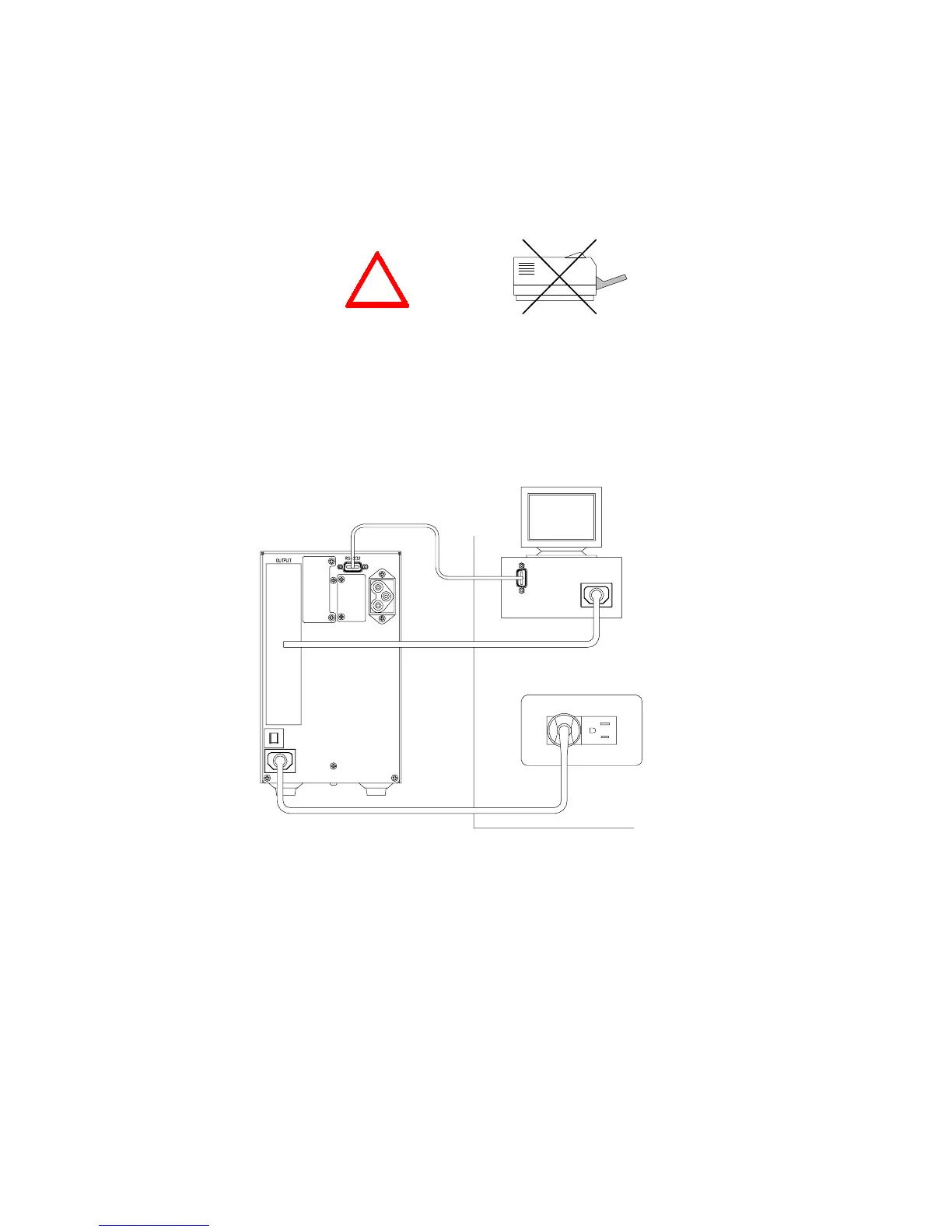
Caution: Do not connect a laser printer to the UPS.
{
Caution: Do not connect the UPS from genertor.
5. Connecting the RS-232/Dry contact
{
Connect the interface signal cable between the
RS-232
/
Dry contact
port on the rear
panel of UPS and COM1 or COM2 of computer if necessary.
The D-sub 9 connector can work as a
Dry contact
or
RS-232
communication port
depending on the type of cable and software used. Refer to section 8 for more
information.
Fig 3-4.1 UPS Connection for 700VA or 1KVA:
(1) RS-232/Dry contact cable. (2) Provides power to PC. (3) Connected to utility power.
!
(1)
(2)
(3)














 To Next Page