Chapter 8 Parameters ASDA-A2
8-142 Revision February, 2017
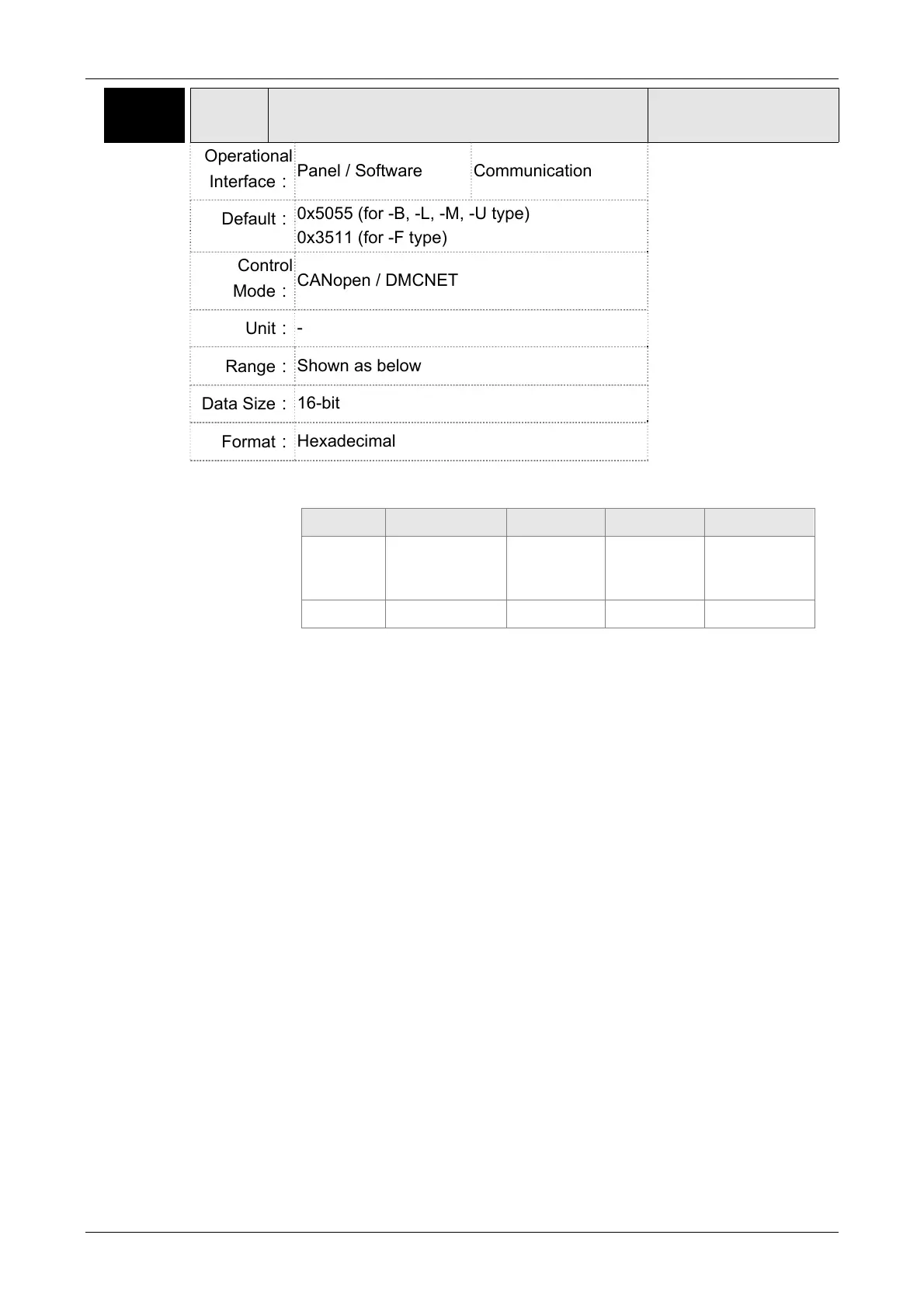
P3-09 SYC CANopen / DMCNET Synchronize Setting
Address: 0312H
0313H
Operational
Interface:
Panel / Software Communication
Related Section:
9.2
Default:
0x5055 (for -B, -L, -M, -U type)
0x3511 (for -F type)
Control
Mode:
CANopen / DMCNET
Unit:
-
Range:
Shown as below
Data Size:
16-bit
Format:
Hexadecimal
Settings:
The synchronous setting of CANopen / DMCNET is divided into E, T, D
and M (hexadecimal):
Item E T D M
Function
Range of
Synchronous
error
Target Value Deadband
Adjusting
amount
Range 1 ~ 9 0 ~ 9 0 ~ F 1 ~ F
The slave of CANopen / DMCNET synchronizes with the master via
SYNC. See as the followings:
M: If the slave needs to synchronize with the master, correct the clock
is a must. This parameter sets the maximum correction value per
time. (Unit: usec)
D: Set the size of deadband (Unite: usec). If the deviation between the
SYNC reaching time and the target value does not exceed the
deadband, correction is no need.
T: SYNC arrival time. The standard value is 500usec but it might be
different from the target value. Thus, the buffer is necessary.
Target value=400 + 10 x T.
For instance, if T=5, the target value will be 450.
E: If the deviation between SYNC reaching time and the target value is
smaller than the range, it means the synchronization is successful.
(Unit: 10 usec)



 To Next Page
 Loading...