EasyManua.ls Logo

Delta DJ-15 - Stand and Electricals Setup; Mounting Jointer to Stand or Bench

Delta DJ-15
18 pages
Print Icon
To Next Page IconTo Next Page
To Previous Page IconTo Previous Page
Loading...
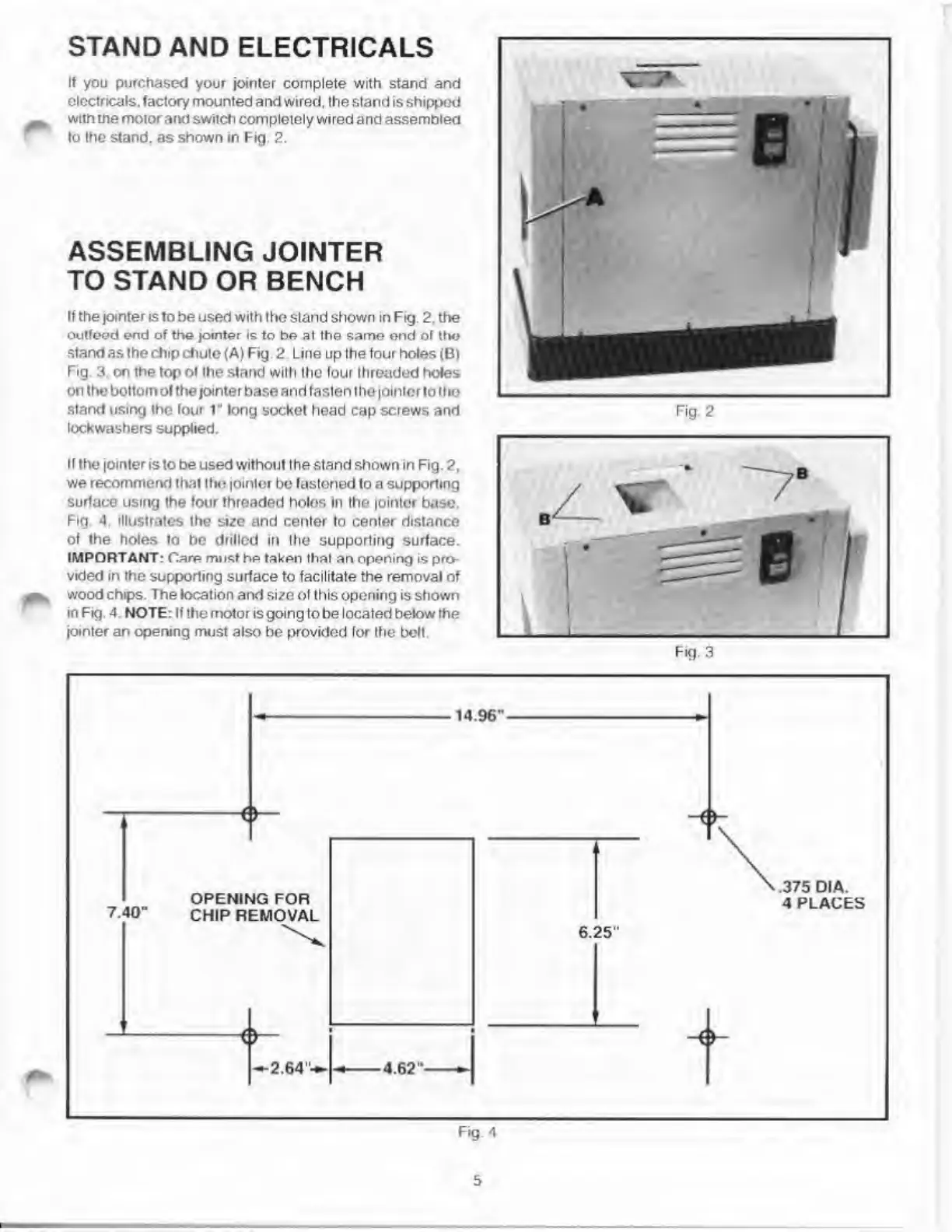
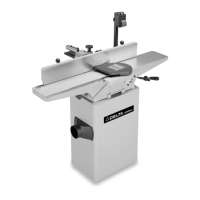
STAND
AND
ELECTRICALS
If
you
purchased
your
jointer
complete
with
stand
and
electricals,
factory
mounted
and
wired,
the
stand
is
shipped
with
the
motor
and
switch
completely
wired
and
assembled
to
the
stand,
as
shown
in
Fig.
2.
ASSEMBLING
JOINTER
TO
STAND
OR
BENCH
If
the
jointer
is
to
be
used
with
the
stand
shown
in
Fig.
2.
the
outfeed
end
of
the
jointer
is
to
be
at
the
same
end
of
the
stand
as
the
chip
chute
(A)
Fig.
2.
Line
up
the
four
holes
(B)
Fig.
3,
on
the
top
of
the
stand
with
the
four
threaded
holes
on
the
bottom
of
the
jointer
base
and
fasten
the
jointor
to
the
stand
using
the
four
1
"
long
socket
head
cap
screws
and
lockwashers
supplied.
If
the
jointer
is
to
be
used
without
the
stand
shown
in
Fig.
2.
we
recommend
that
the
jointer
be
fastened
to
a
supporting
surface
using
the
four
threaded
holes
in
Ihe
jointer
base.
Fig
4
illustrates
the
size
and
center
to
center
distance
of
the
holes
fo
be
drilled
in
the
supporting
surface.
IMPORTANT:
Carp
must
hp
taken
that
an
opening
is
pro¬
vided
in
the
supporting
surface
to
facilitate
the
removal
of
wood
chips.
The
location
and
si/e
of
this
opening
is
shown
in
Fig.
4
NOTE:
If
the
motor
is
going
to
be
located
below
the
jointer
an
opening
must
also
be
provided
for
Ihe
belt.
Fig.
2
5

Related product manuals