RMC200 Startup Guide
4 Delta Computer Systems, Inc.
Step 2: Mount the Modules
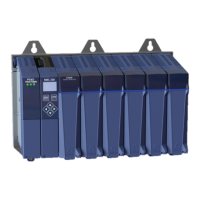
Module Locations
Modules may only be installed in compatible slots on the base.
Modules are keyed so only compatible modules mount in a given slot.
PS4D (B5, B7 and B11)
PS6D (B15)
CA4, CV8, S8, A8, Q4, D24
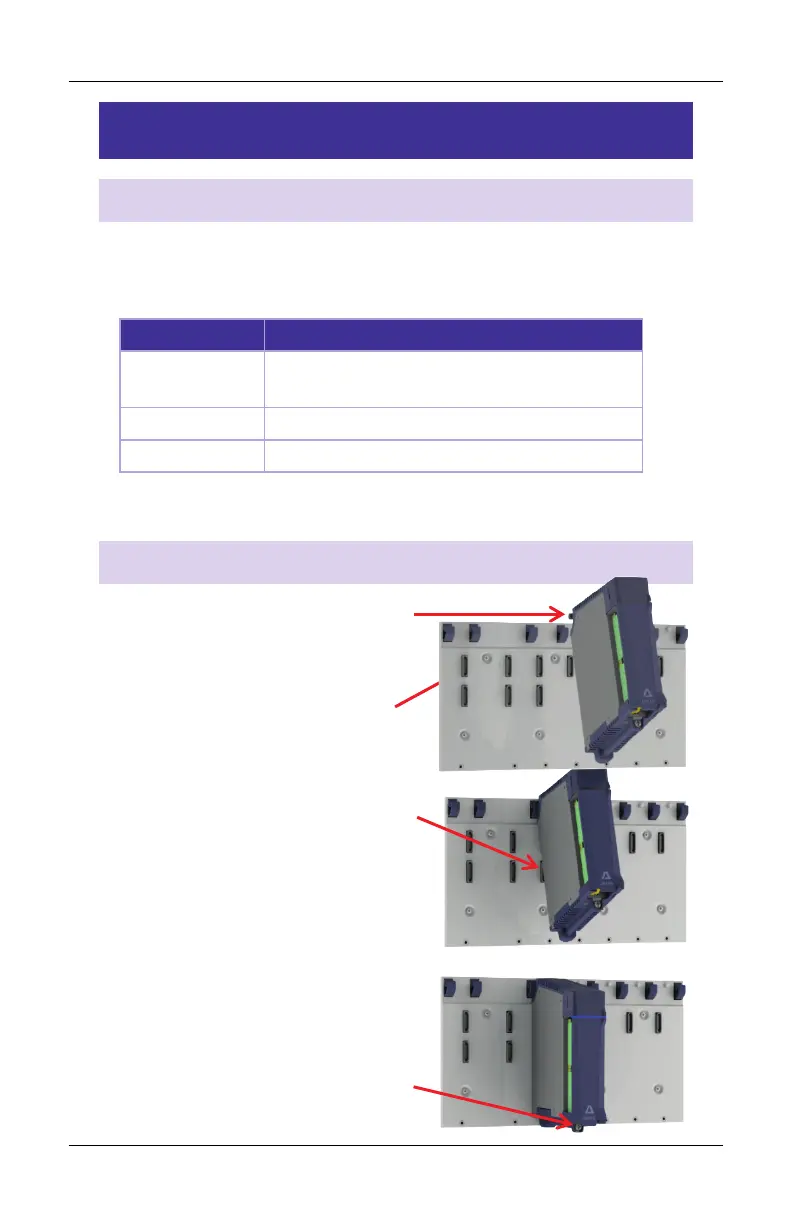
Install each Module
1. Tip the module up.
2. Set the upper pins
in the hooks.
3. Rotate the module down
carefully such that the
base connector engages.
4. Tighten the holddown screw
to 5 in-lbs (0.6 Nm).


 To Next Page