43
ENGLISH
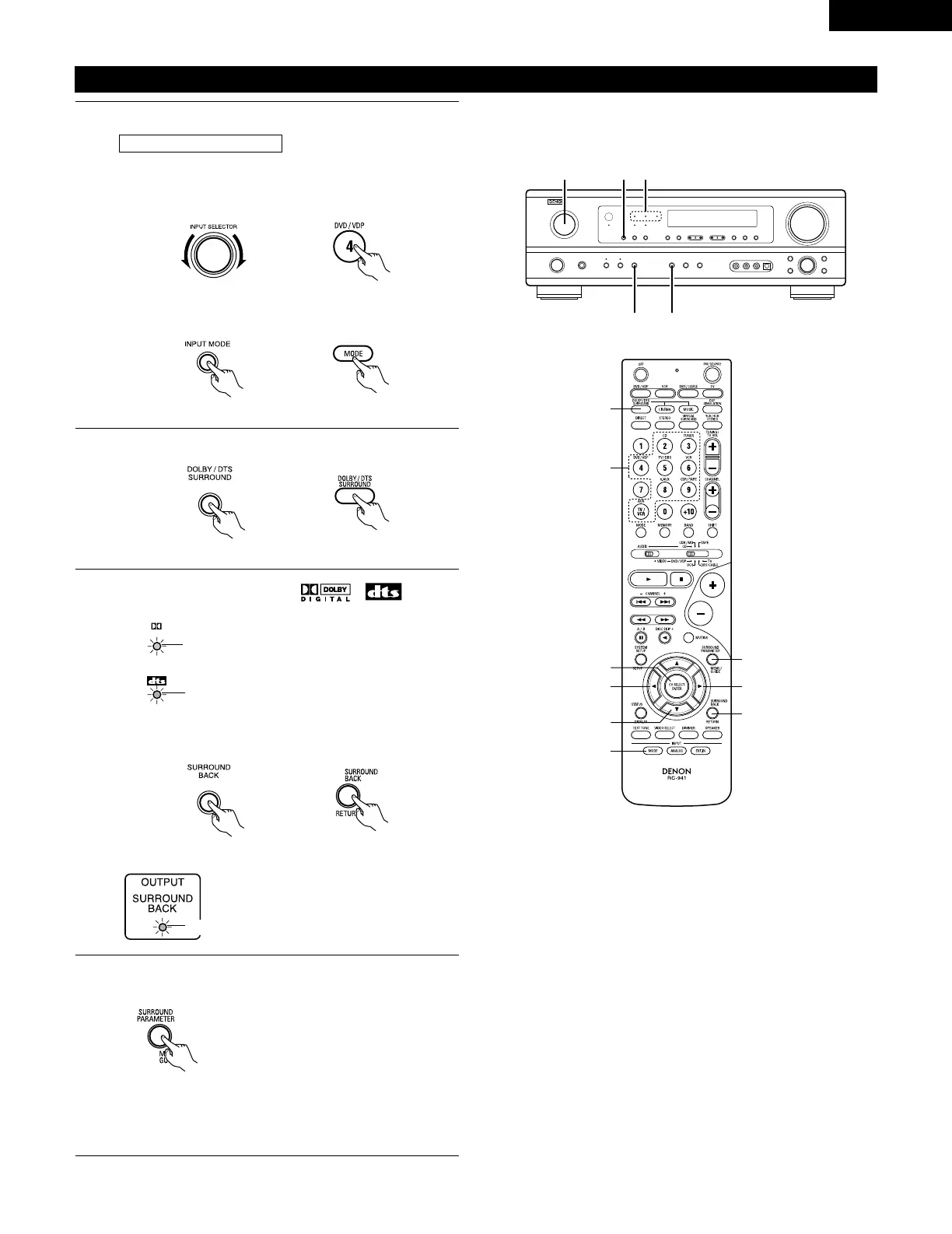
Dolby Digital mode (only with digital input) and DTS Surround (only with digital input)
1
Select the input source.
q Select an input source set to digital (COAXIAL/OPTICAL)
(see page 25).
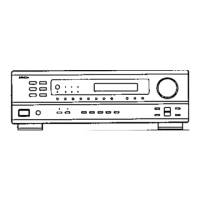
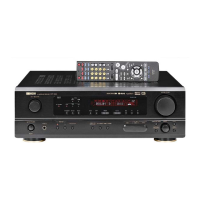
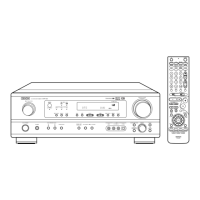
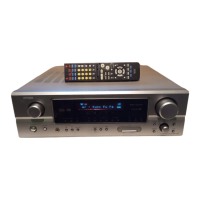
(Main unit) (Remote control unit)
w Set the input mode to “AUTO” or DTS.
2
Select the Dolby/DTS Surround mode.
(Remote control unit)
3
Play a program source with the , mark.
• The Dolby Digital indicator lights when
playing Dolby Digital sources.
Playback with a digital input
• The DTS indicator lights when playing
DTS sources.
Light
4
Set the surround parameter according to the source.
First, press the SURROUND PARAMETER button.
(Remote control unit)
NOTE:
Please make sure the “AUDIO” position of the slide switch
on the remote control unit.
Example: DVD
(Main unit) (Remote control unit)
(Main unit)
Operate the SURROUND BACK button to switch Surround
Back CH ON/OFF.
(Remote control unit)(Main unit)
• Lights when the Surround Back CH is
on.
Light


 To Next Page
 Loading...