22
ENGLISH
Resetting
1
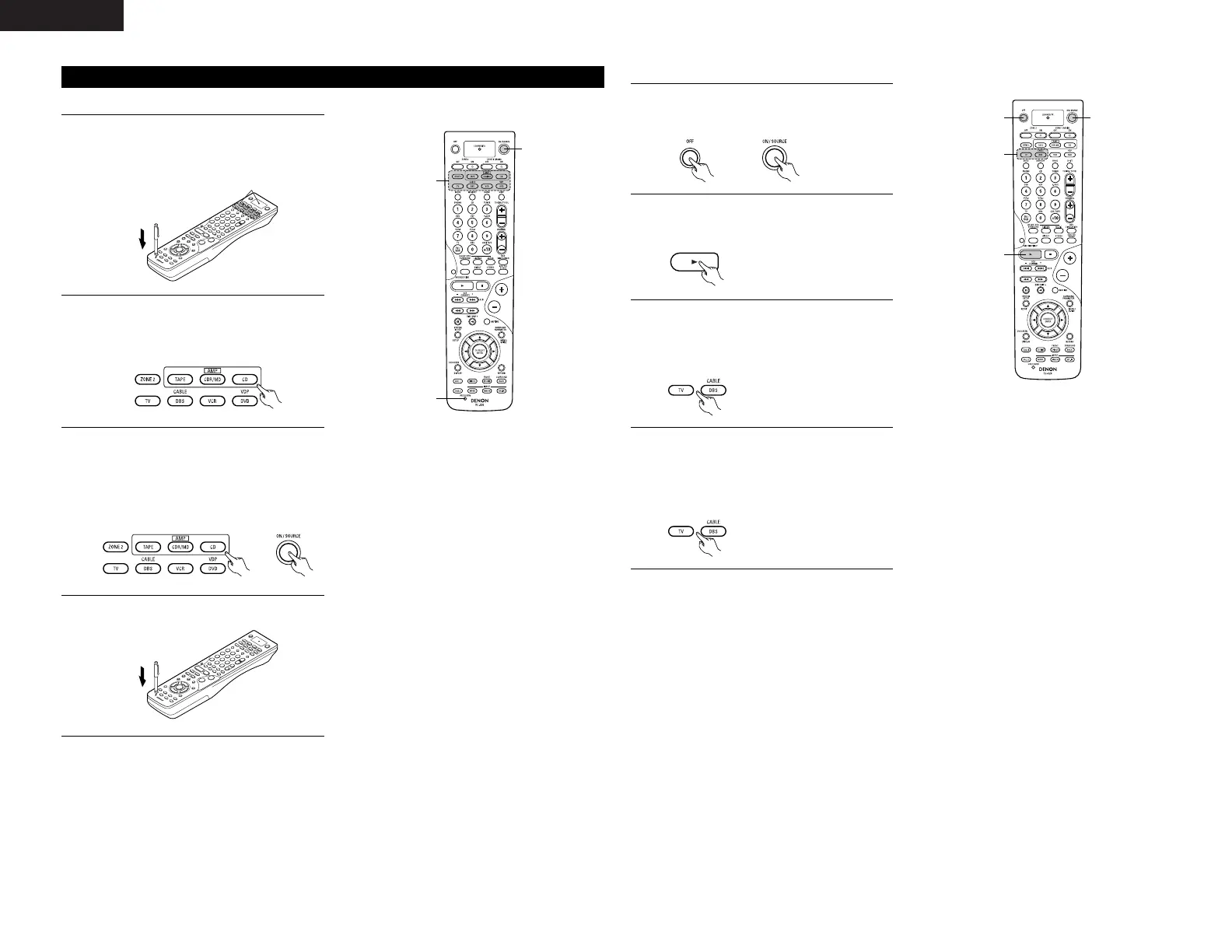
Press the USE/LEARN button with the tip of a
pen, etc., to set the learn mode.
• The mode selector buttons and LEARNED/TX
indicator flash.
2
Press the mode button of the equipment that is
to be reset.
• Mode button and LEARNED/TX indicator
flash.
(1) Resetting “learned” buttons
3
Hold for 4 seconds or longer the mode button of
the equipment that is to be reset and the
ON/SOURCE button.
• The mode button and the LEARNED/TX
indicator will again flash, and the learned
remote control signal of the selected
equipment will be deleted.
4
Press the USE/LEARN button.
Flashes
1
Press the power ON/SOURCE button and the
OFF button at the same time.
• The LEARNED/TX indicator flashes.
2
Press the 1 (play) button.
• TV and DBS/CABLE mode buttons and
LEARNED/TX indicator flash.
(2) Resetting the punch through setting
3
Press the mode button of the equipment (TV or
DBS/CABLE) that is to be reset.
• The CD, CDR/MD, TAPE, DVD/VDP, and VCR
mode buttons and LEARNED/TX indicator will
flash.
4
Press the mode button of the equipment that is
to be reset again.
• During the resetting operation, the selected
mode button and the LEARNED/TX indicator
will light; they will return to steady state upon
completion.


 To Next Page
 Loading...