18
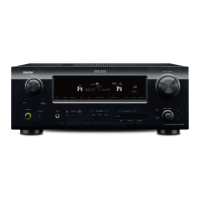
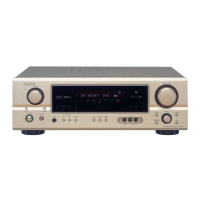
AVR-1910/1620/1610/790/590
1. µcom/DSP Version display mode
1.1. Operation specifications
µcom/DSP version display mode:
When started up, the version information is displayed.
Starting up:
With the "DIMMER" and "STATUS" buttons pressed, press the "ON/OFF" button to turn the power on.
Now, press the "STATUS" button to the display the 2nd item information on the FL Display.
1.2. Display Order
Destination information →Main-µcom version information →Sub-µcom version information → DSP version information
→ APLD version information
1.3. Error display g
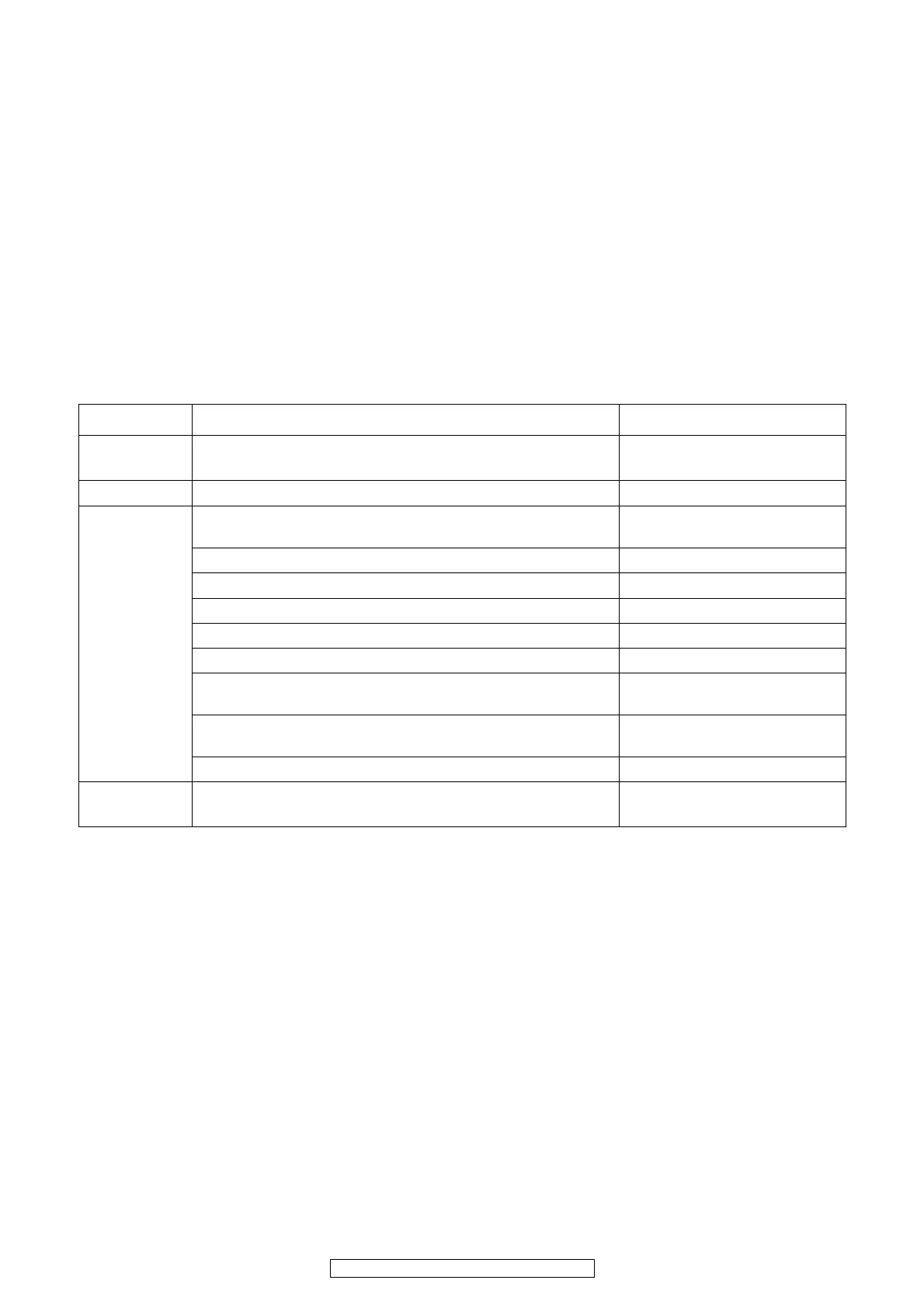
See the following table for each "Error information" display and its contents (status).
Display order is ①②③④ .
Condition State Display
①
Sub-µcom
NG
No response from Sub-µcom
"□SUB□ □ERROR□01□□"
② DIR NG
No response from DIR
"□DIR□ □ERROR□01□□"
③ DSP NG
When DSP boot, executing DSP reset makes no change to DSP FLAG0
port "H".
"□DSP□□ERROR□01□ □"
No change to DSP FLAG0 port "H" before issuing DSP command.
"□DSP□□ERROR□02□ □"
When DSP data read, executing WRITE="L" makes no change to ACK="H".
"□DSP□□ERROR□03□ □"
When DSP data read, executing REQ="L" makes no change to ACK="L".
"□DSP□□ERROR□04□ □"
When DSP data write, executing WRITE="H" makes no change to ACK="H".
"□DSP□□ERROR□05□ □"
When DSP data write, executing REQ="L" makes no change to ACK="L".
"□DSP□□ERROR□06□ □"
When DSP special code boot, executing DSP reset makes no change to
DSP FLAG0 port "H".
"□DSP□□ERROR□11□ □"
No change to DSP FLAG0 port "H" before issuing DSP special read com-
mand.
"□DSP□□ERROR□12□ □"
No change to DSP FLAG0 port "H" before DSP version read.
"□DSP□□ERROR□13□ □"
④
Both SUB/DSP
OK
(No error display, version display
only)


 To Next Page
 Loading...