11
Playing CD
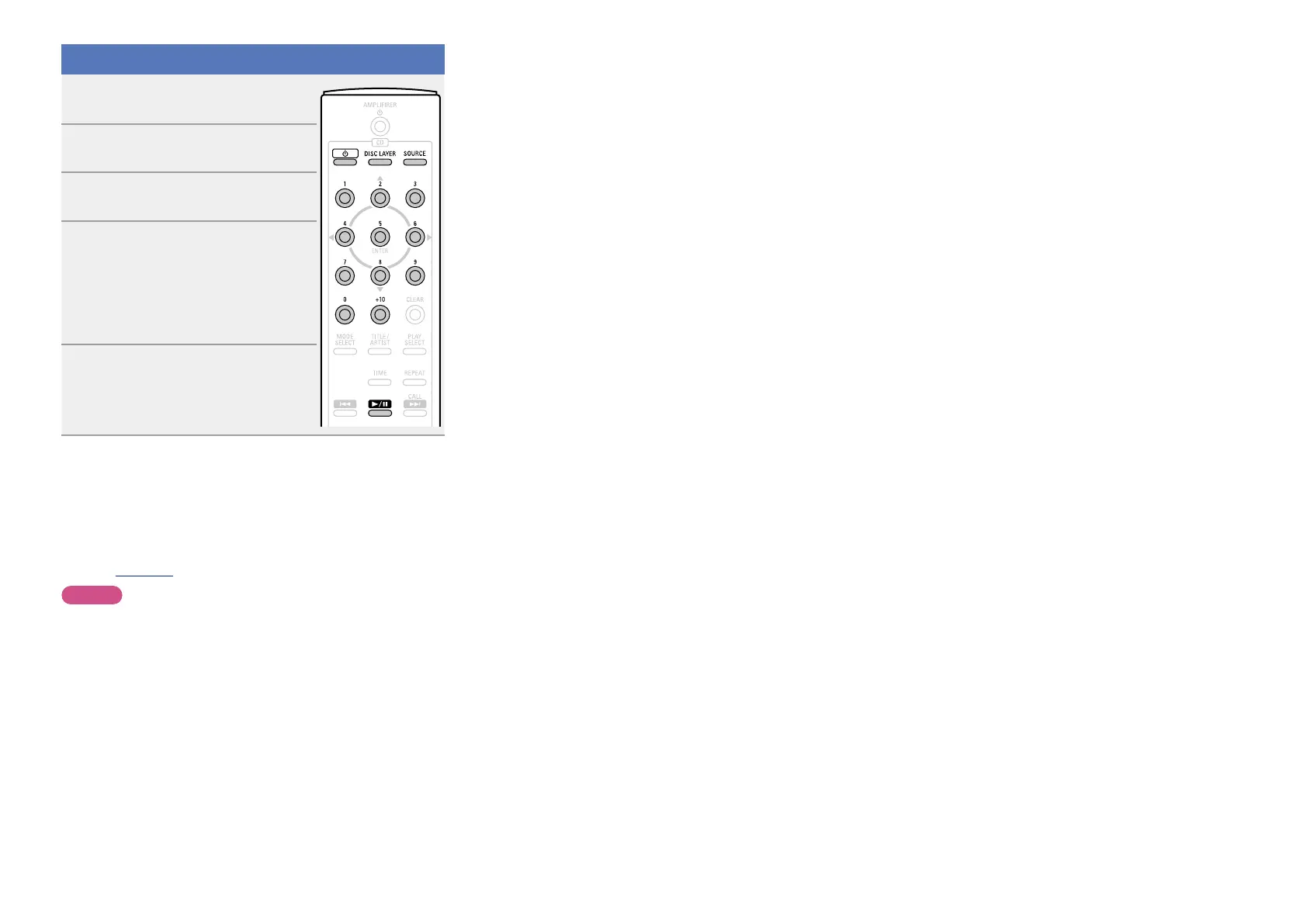
1
Press CD X to turn on power to
the unit.
2
Press SOURCE to set the playback
media mode to “DISC”.
3
Press 5 on the main unit to open
the disc tray and insert the disc.
4
When you play back a super audio
CD, press DISC LAYER to set the
playback layer if necessary.
•If a layer that is not recorded in the disc is
selected, a layer that exists is played back
based on the playback layer priority.
5
Press 1/3.
•The 1 indication lights off.
•The disc tray closes and playback
starts.
n Playing a specific track
Press 0 – 9 and +10 to select the track.
GExampleH
: Track 4
: Press
4.
GExampleH
: Track 12
: Press
+10 and 2.
n Operations enabled during playback
(vpage15)
NOTE
Do not place any foreign objects in the disc tray. Doing so could
damage it.



 To Next Page