1
Thank you for purchasing this DENON product. To ensure proper operation, please read this owner’s manual carefully before using the product.
After reading them, be sure to keep them for future reference.
Getting started
Preparations ·············································································3
Connections ··················································································· 4
Cables used for connections ························································4
Connecting a 2-channel audio amplifier ········································ 4
Digital Output Connections ···························································4
Digital Input Connections······························································5
Connecting a PC ···········································································5
Connecting an iPod or USB memory device to the USB port ·······6
Connecting the power cord ··························································8
Setting the Auto Standby mode··················································8
Operations ················································································9
Playback ·······················································································10
Turning the power on ·································································10
Setting the top priority playback layer for Super Audio CDs ······· 10
Playing CD ··················································································11
Playback of MP3 and WMA files ················································12
Playback iPod
®
·········································································· 13
Playing a USB memory device ···················································14
Operations enabled during playback ···········································15
Using as a D/A Converter ···························································17
Using the timer play function ······················································18
Information ·············································································19
Part names and functions···························································20
Front panel ··················································································20
Display ························································································21
Rear panel ···················································································21
Remote control unit ···································································· 22
Other information ·······································································24
Playable media ············································································24
Cautions on using media ····························································26
Explanation of terms ···································································27
Troubleshooting ·········································································· 28
Specifications ··············································································29
Getting started ··············································································1
Accessories ··················································································1
Features ························································································2
Cautions on handling ····································································2
Contents
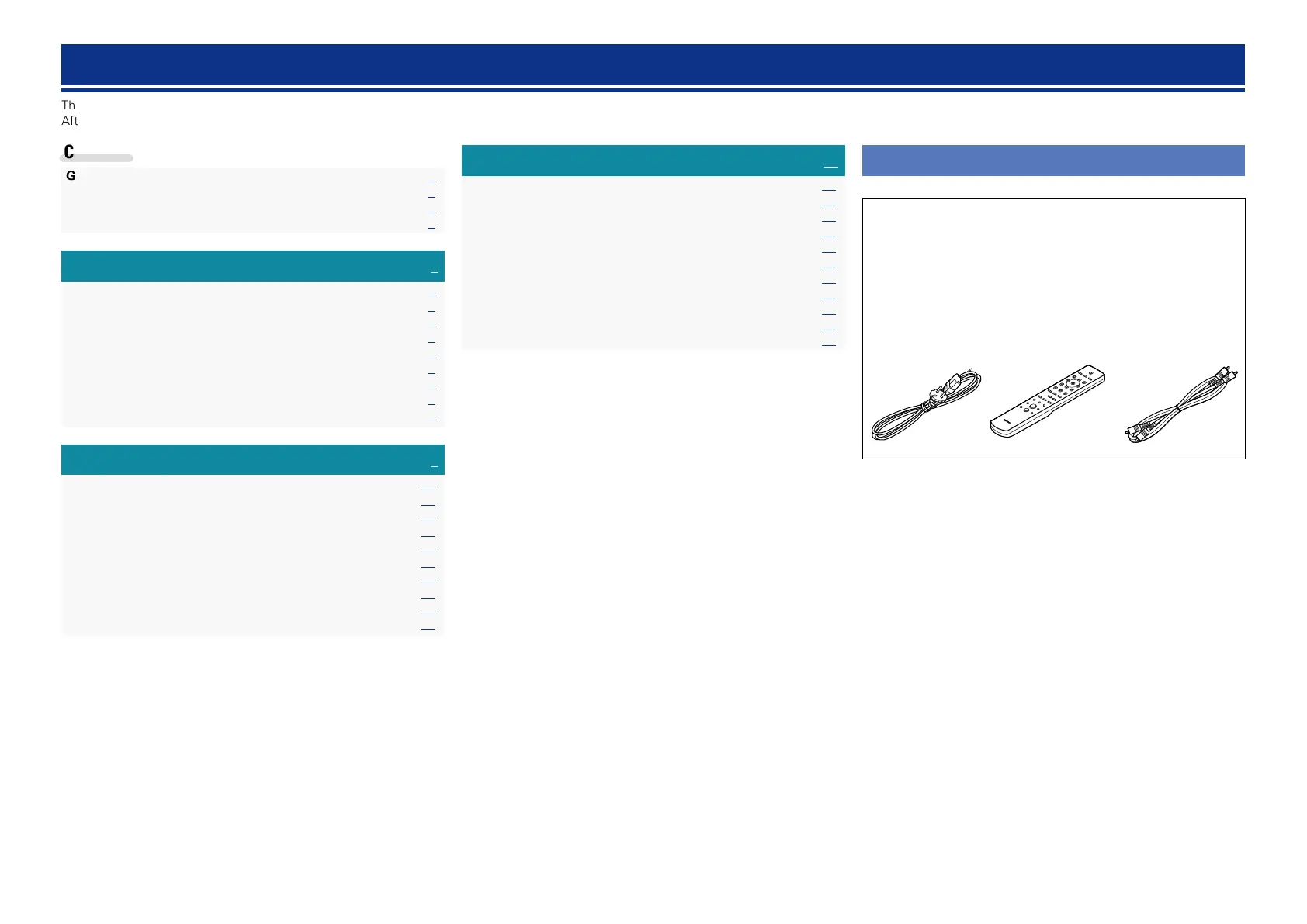
Accessories
Check that the following parts are supplied with the product.
q Getting Started ........................................................................ 1
w CD-ROM (Owner’s manual) .................................................... 1
e Safety Instructions .................................................................. 1
r Service network list ................................................................. 1
t Power cord .............................................................................. 1
y Remote control unit (RC-1179) ................................................ 1
u R03/AAA batteries ................................................................... 2
i Audio cable .............................................................................. 1
iyt



 To Next Page