16
To display text (Super Audio CD only)
•With Super Audio CDs that contain text information, the text
information included on the disc can be displayed while in the stop
or play mode.
•The album title, artist name and track titles can be displayed.
•Displayable characters are capital and small letters, numbers and
some symbols.
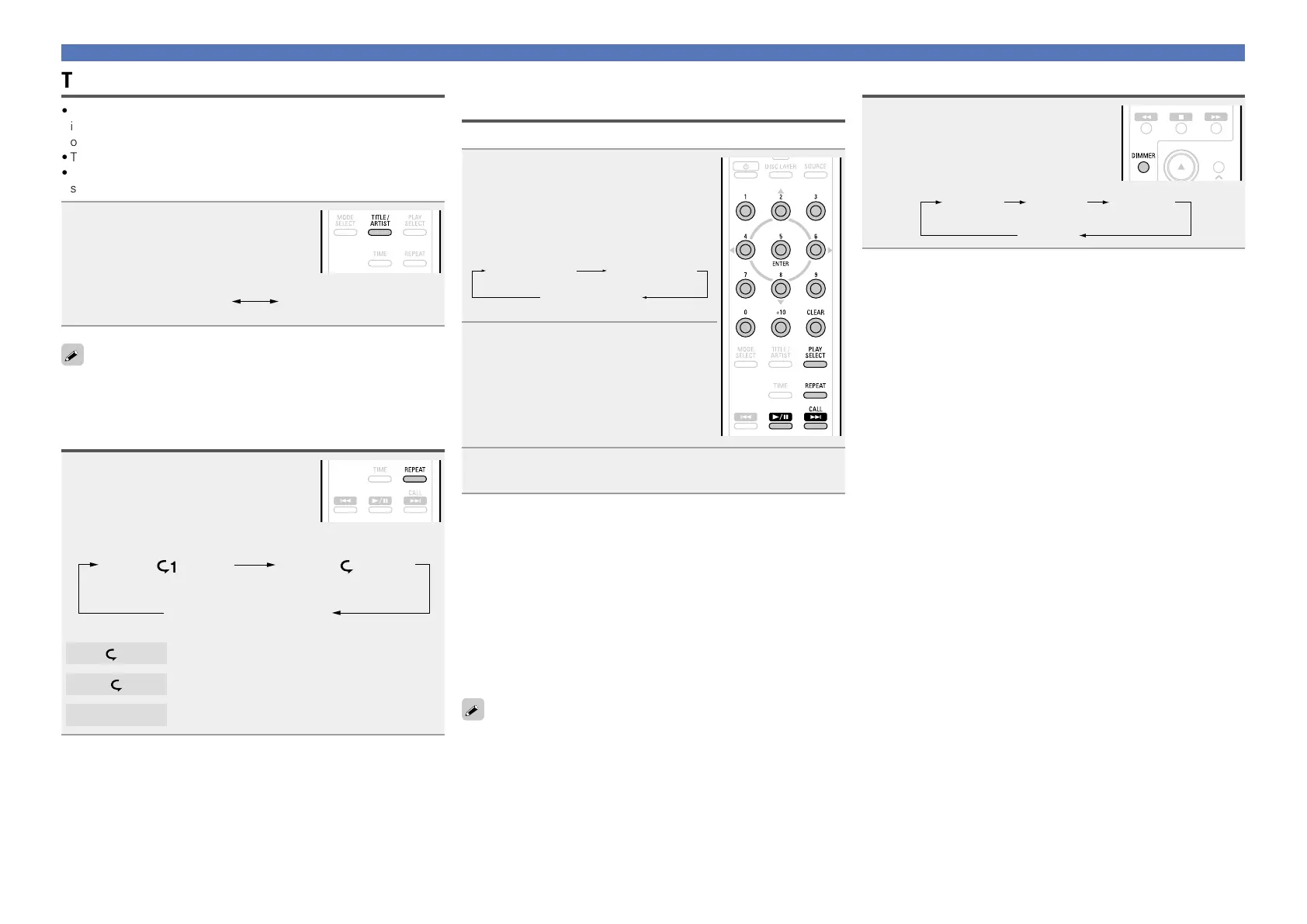
In the stop mode, press TITLE/
ARTIST
.
•Each time TITLE/ARTIST is pressed, the
display changes as follows:
The album title scrolls
on the display
The album’s artist name
scrolls on the display
To switch to the display of the recorded time while text information is
being displayed, press TIME.
Playing repeatedly (Repeat playback)
Press REPEAT.
Playback in the respective repeat mode
starts.
•The repeat mode changes each time the button is pressed.
1-track repeat All-track repeat
Repeat off
(indicator turns off)
1
Only 1 track is played repeatedly.
All tracks are played repeatedly.
Repeat off
Normal playback resumes.
Operations enabled during playback
Playing tracks in a specific order
(Program playback)
Up to 20 tracks can be programmed.
1
In the stop mode, press PLAY
SELECT
.
The “PROG” indicator lights.
•Each time PLAY SELECT is pressed, the
display changes as follows:
RAND PROG
Indicator turns
off
2
Use 0 – 9 and +10 to select the
tracks.
GExampleH
To program tracks 3, 12, 7 to play in that
order:
Press 3, +10, 2 and 7.
3
Press 1/3.
Playback starts in the programmed order.
n Checking the order of the programmed tracks
In the stop mode, press CALL.
The track numbers are displayed in the programmed order each
time the button is pressed.
n To clear the last track programmed
While stopped, press CLEAR.
The last track programmed is cleared each time the button is
pressed.
n Clearing the all programmed track
In the stop mode, press PLAY SELECT.
When REPEAT is pressed during program playback, the tracks are
played repeatedly in the programmed order.
Switching the display’s brightness
Press DIMMER.
•The display’s brightness switches each
time the button is pressed.
Bright Dim
Dark
OFF



 To Next Page