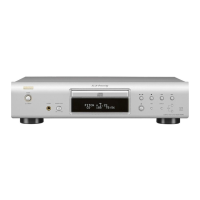
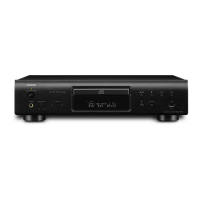
q
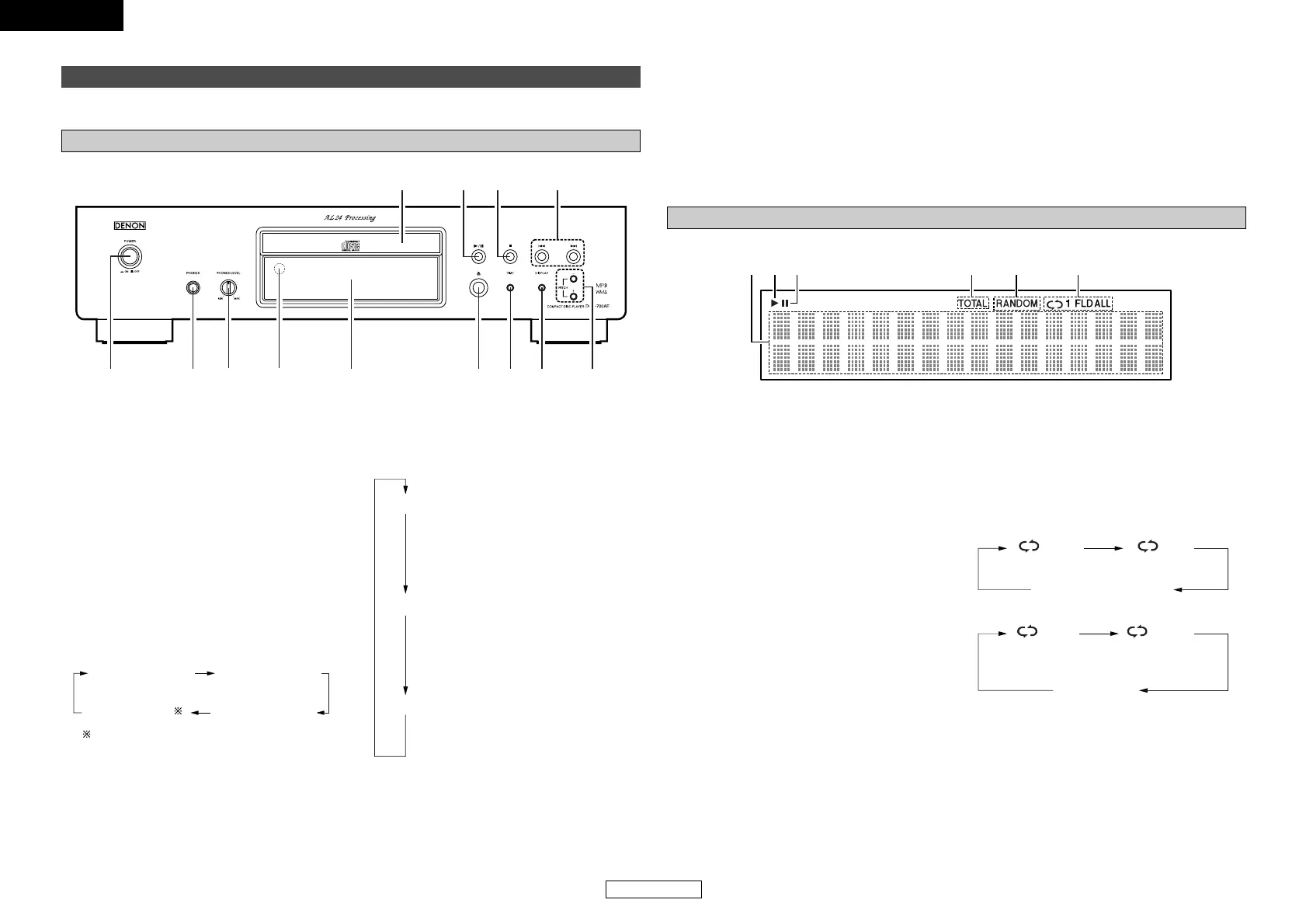
POWER switch ············································(7)
w
PHONES jack
Insert the headphones’ plug.
e
PHONES LEVEL knob
Adjusts the volume of the headphones.
r
Remote control sensor·······························(3)
t
Display··························································(4)
y
Disc tray open/close button (5)················(7)
u
TIME button···········································(7, 11)
i
DISPLAY button
¢ Switching the display brightness
The brightness switches as shown below each
time the button is pressed (and released
within 1 second).
Some of the display remains lit if no disc is playing
or loaded.
• This setting is memorized in the DCD-700AE.
Normal brightness
Approx. 2/3 the
normal brightness
Entire display off
Approx. 1/3 the
normal brightness
o
PITCH+/– buttons········································(9)
!0
Skip buttons (8, 9)····························(8)
!1
Stop button (2)···········································(7)
!2
Play/Pause button (1/3) ···························(7)
!3
Disc tray ·······················································(2)
¢ Switching the pure direct mode
The mode switches as shown below each time
the button is long-pressed (held in for more
than 1 second) in the stop mode.
MODE 1
MODE 2
OFF
• “PURE DIRECT ON MODE 1” is displayed
for about 2 seconds, then turns off.
• Digital output : Yes (valid)
• “PURE DIRECT ON MODE 2” is displayed
for about 2 seconds, then turns off.
• Digital output : No (invalid)
• “PURE DIRECT OFF” is displayed for about
2 seconds.
• The normal play mode is set.
Display
q
Information display
Various information is displayed here,
depending on the operation mode.
For a music CD:
•Total number of tracks
•Total playing time
•Track number
• Elapsed time, etc.
For MP3/WMA files:
•Total number of folders
• Number of tracks
• Folder number
• Elapsed time
•Track name
•Artist name
• Album name, etc.
w
Lights when a disc is playing.
e
Lights when the pause mode is set.
r
Lights when the total number of tracks and total
time are displayed at
q
.
t
Lights when in the random play mode.
y
Lights when in the repeat play mode.
The display switches as follows each time the
REPEAT button is pressed.
• In modes other than the folder mode:
•In the folder mode:


 To Next Page
 Loading...