ENGLISH
Other functions
AVアンプ
$&/5&3
065
46#
800'&3
065
B
B
<View from the bottom>
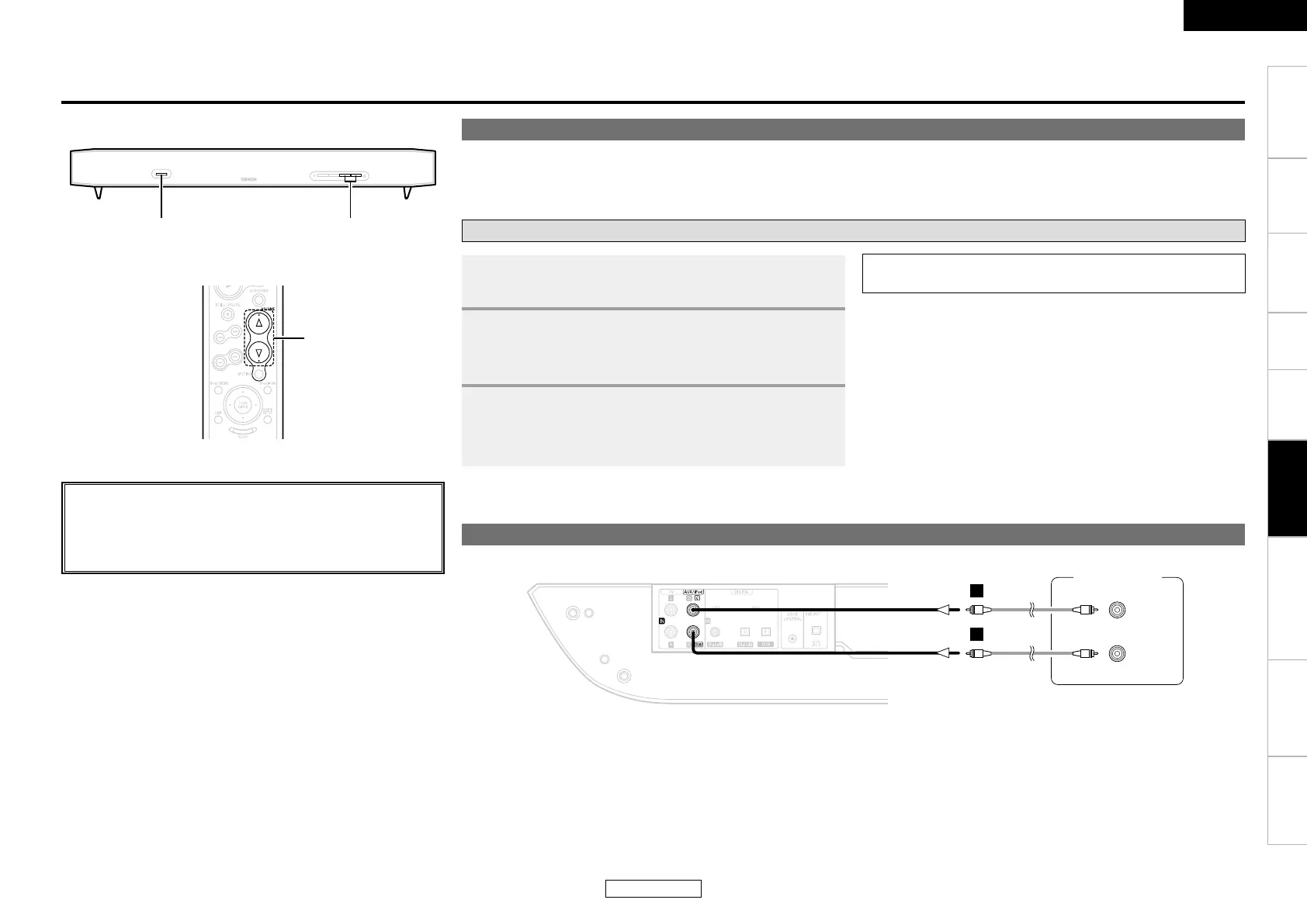
About the speaker mode
This mode is for using the DHT-FS3 as the center speaker and subwoofer when upgrading into a home theater system centered around an AV
amplifier in the future.
• The
DHT-FS3’s surround function and function switching operation are turned off.
Operation
Center speaker mode connections
1
Press <ON/STANDBY / OFF>.
2
Set the speaker mode to “ON”.
b See “Detailed Settings” (vpage 11).
3
Use <VOL + –> or [VOLUME] to adjust the volume.
• The volume level is displayed.
b The volume can be adjusted from 0 to 33 then “MAX”.
NOTE:
• The DHT-FS3’s volume cannot be adjusted from the AV amplifier.
<VOL +− >
<ON/STANDBY / OFF>
About the button names in these explanations
< > : Buttons on the main unit
[ ] : Buttons on the remote control unit
Button name only:
Buttons on the main unit and remote control unit
Other functions
Operating the
remote control unit
Troubleshooting SpecificationsGetting Started Installation Connections Settings Operation
ENGLISH
AV amplier



 To Next Page