109
Barcode Handy Terminal
◆ Other files (*.DAT, *.TXT)
Press the Bac
kspace/clear key to return to the previous screen.
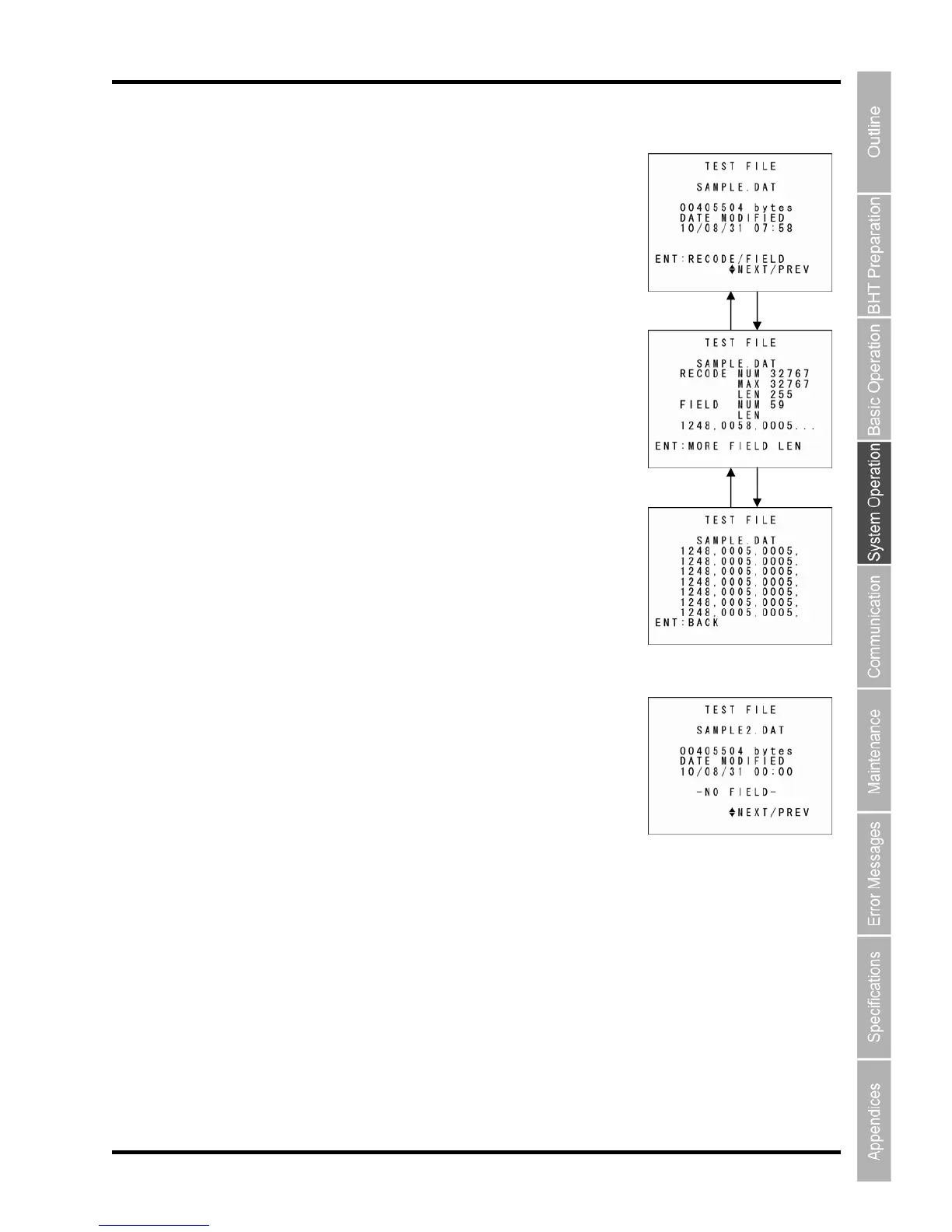
If four or more fields exist, “MORE FIELD LEN” and a guide appear.
Press the ENT key to proceed to the next screen.
vious screen.
If field information is not available, the screen on the right appears.
Press the Backspace/clear key to return to the previous screen.
1. Use the cursor keys ([▲] [▼]) to select the desired file and then
press the ENT key.
If field information is available, the next screen appears.
BS/C key
Press the ENT key again to return to the pre
ENT key
ENT key ENT key



 To Next Page