110
BHT-904B/BHT-914B
[7] Communication test
Use the following procedure to perform a communication test.
1. Select “7: COMMUNICATION” at the TEST menu and then pr
the ENT key.
right.
Refer to the following section for details of the above items.
Press the Backspace/clear key to return to the TEST menu.
Infrared Communication Test
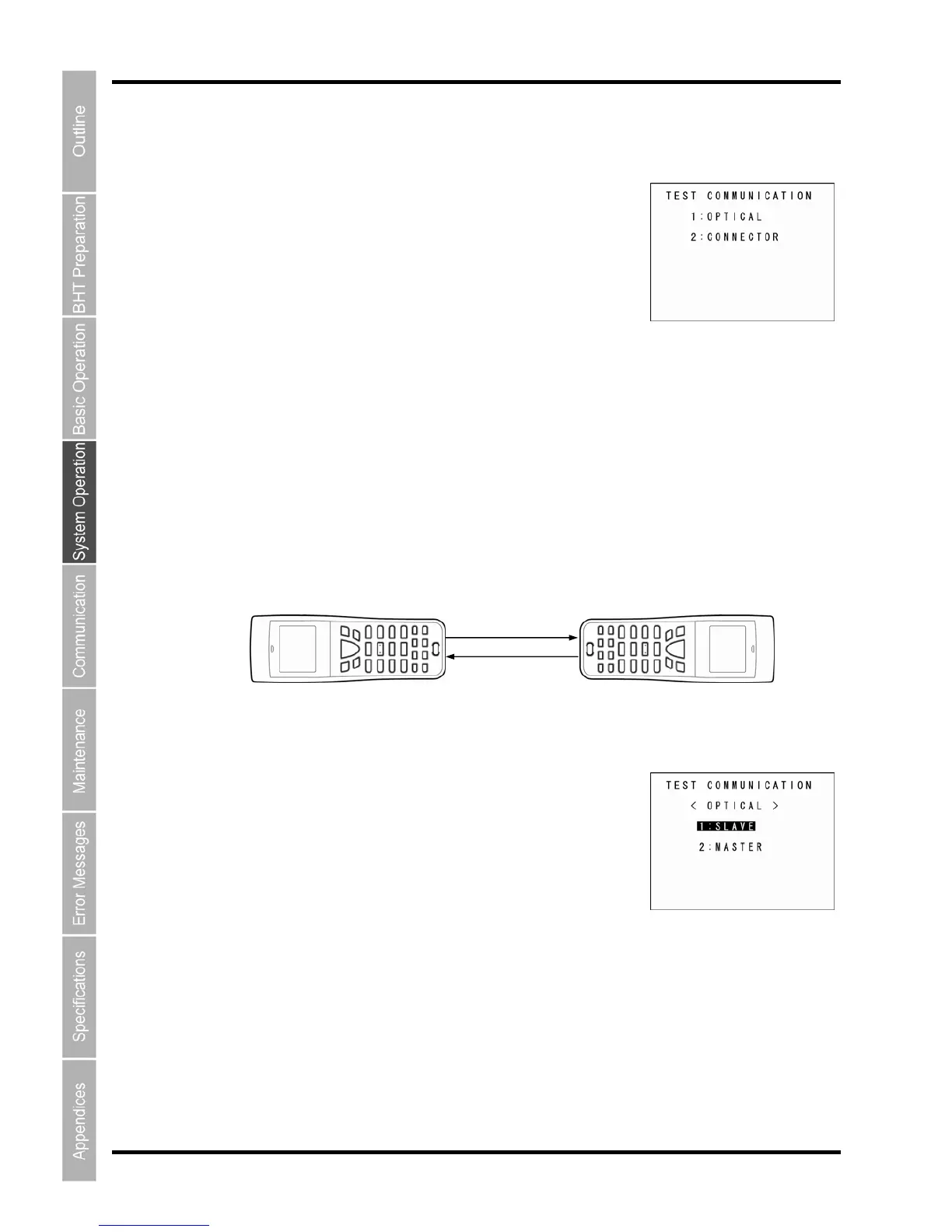
1. Arrange two BHTs, one as a master station and the other as a
their IrDA interface ports facing each other as illustrated below.
This test involves transmitting data from the test BHT and the master BHT returnin
BHT.
2. Select “1: OPTICAL” at the TEST COMMUNICATION menu and
then press the ENT key.
The TEST COMMUNICATION screen displays as shown on the right.
ess
slave station (to be tested) with
g the data to the test
The TEST COMMUNICATION screen displays as shown on the
“1: OPTICAL”: Performs an infrared communication test.
ion test. “2: CONNECTOR”: Performs the USB connect
Master BHT
Slave BHT



 To Next Page