129
Barcode Handy Terminal
Use the following procedure to set the USB communication settings.
[1]
1. Select “1: USB” in the ICE menu and then press the ENT k
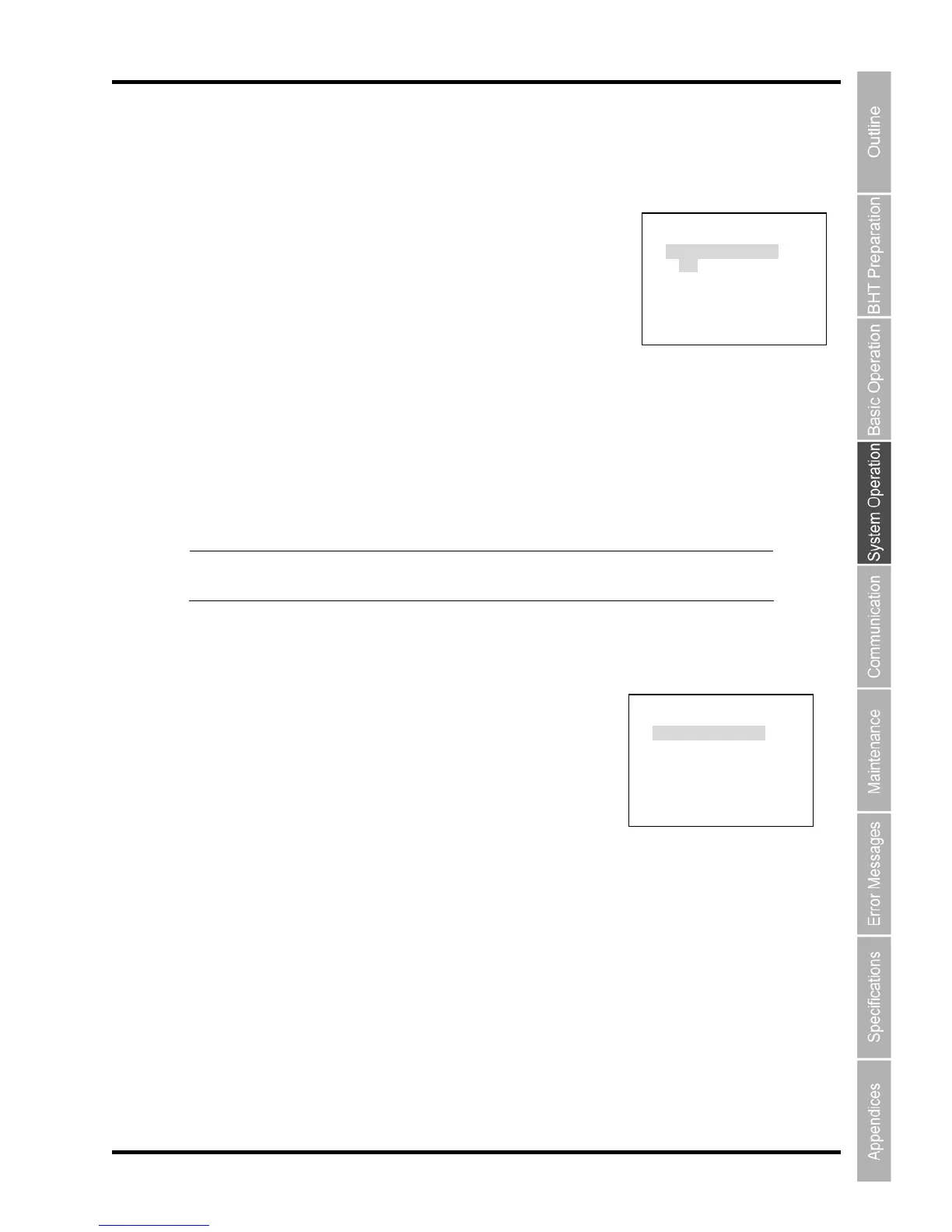
The USB menu is displayed as shown on the right.
2. Use the cursor keys ([◄] [►]) to select the connect mode.
Pres return to the DEV
“1: USB CONNECT MODE”:
Setting the USB connection mode.
The highlighted settings are the current settings.
Use s g
[MT e MTP mode.
e COM mode.
ntin owing section for th
r the de settings, refer to “4 t Settings”.
USB MENU
DEV ey.
s the Backspace/clear key to ICE MENU.
the cursor key ([◄] [►]) to change the settin s.
P]: Connects in th
[COM]: Connects in th
Point Co ue in the foll e MTP mode settings.
Fo COM mo .5.6 [5] System Environmen
[2] MTP ING men
1. Select “MTP” then pres T key.
The MTP SETTING menu is displayed as shown on the right.
2. Use the cursor keys ([▲] [▼]) or numeric keys ([1] [2] [3]) to
select the menu.
Press the Backspace/clear key to return to the USB MENU.
[1:MTP RESTRICTIONS]: Displays the MTP RESTRICTIONS screen
[2:MTP FILE SETTING]: Displays the MTP FILE SETTING screen
[3:MTP DISP FILTER]: Displays the MTP DISP FILTER screen
Refer to the following sections for each of the above menus.
SETT u
in the USB MENU and s the EN
USB MENU
1:SET CONNECT MODE
MTP COM
[ENT]DETAIL
MTP SETTING
1:MTP RESTRICTIONS
2:MTP FILE SETTING
3:MTP DISP FILTER



 To Next Page