130
BHT-904B/BHT-914B
[3]
TP RESTRICTIONS” in the MTP SETTING menu
ss the ENT key.
2. Use the cursor keys ([▲] [▼])) or numeric keys ([1] [2] [3]) to
select the menu.
[1:RECEIVE] Select “ON” to restrict (disable) receiving files,
ceiving files.
:DELETE]: Select “ON” to restrict (disable) deleting files,
ct “OFF” to unrestrict (enable) deleting files.
ON” to restrict (disable) changing file names,
rict (enable) changing file names.
se the cursor keys ([◄] [►]) to highlight and set “ON” or “OFF”.
Point Function will be disabled when setting to “ON”.
MTP RESTRICTIONS menu
1. Select “1: M
and then pre
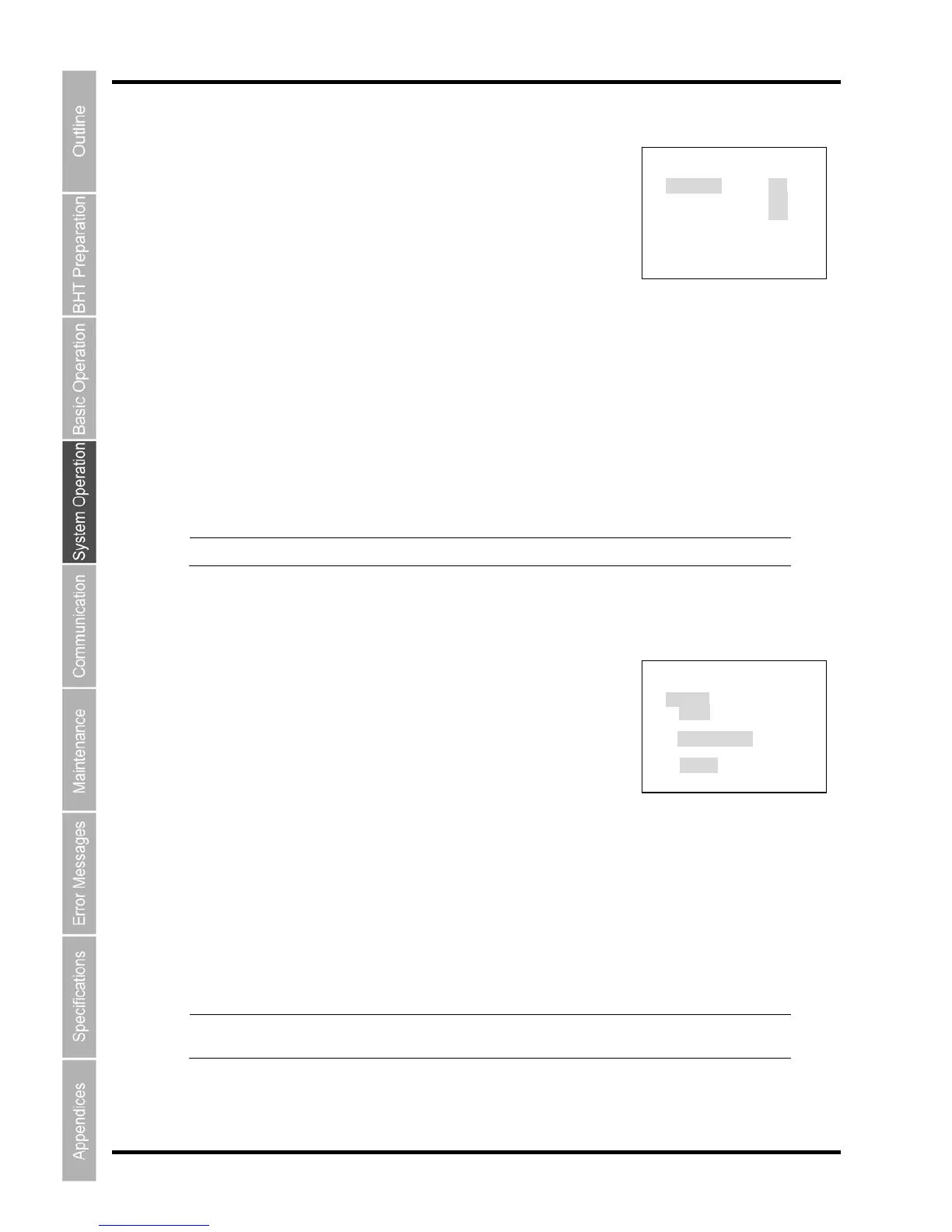
The MTP RESTRICTIONS menu is displayed as shown on the right.
select “OFF” to unrestrict (enable) re
[2
sele
MTP RESTRICTIONS
1:RECEIVE ON OFF
2:DELETE ON OFF
3:RENAME ON OFF
[3:RENAME]:
Select “
select “OFF” to unrest
U
Press the Backspace/clear key to return to the MTP SETTING.
[4] TP FILE SETTING menu
SETTING” in the MTP SETTING menu and
then press the ENT key.
The MTP FILE SETTING menu is displayed as shown on
Use the cursor keys ([▲] [▼])) or numeric keys ([1] [2] [3]) to
[1:CR/LF]: Select the carriage return code.
the carriage retrun code as the delimiter,
select “Data” to use the carriage retrun code as data.
d,
s data.
Use the cursor keys ([◄] [►]) to highlight and set the parameters.
.
Point The “CR/LF CODE” and “FIELD SPACE” settings are valid only when receiving files
with field information.
M
1. Select “2: MTP FILE
the right.
MTP FILE SETTING
1:CR/LF
CR/LF LF CR None
2:CR/LF CODE
Control code Data
3:FIELD SPACE
Ignore Data
2.
select the menu.
[2:CR/LF MODE]:
Select “Control code” to use
[3:FIELD SPACE]: Select “Ignore” to ignore the space in the end of the fiel
select “Data” to use the space in the end of the field a
Press the Backspace/clear key to return to the MTP SETTING



 To Next Page