131
Barcode Handy Terminal
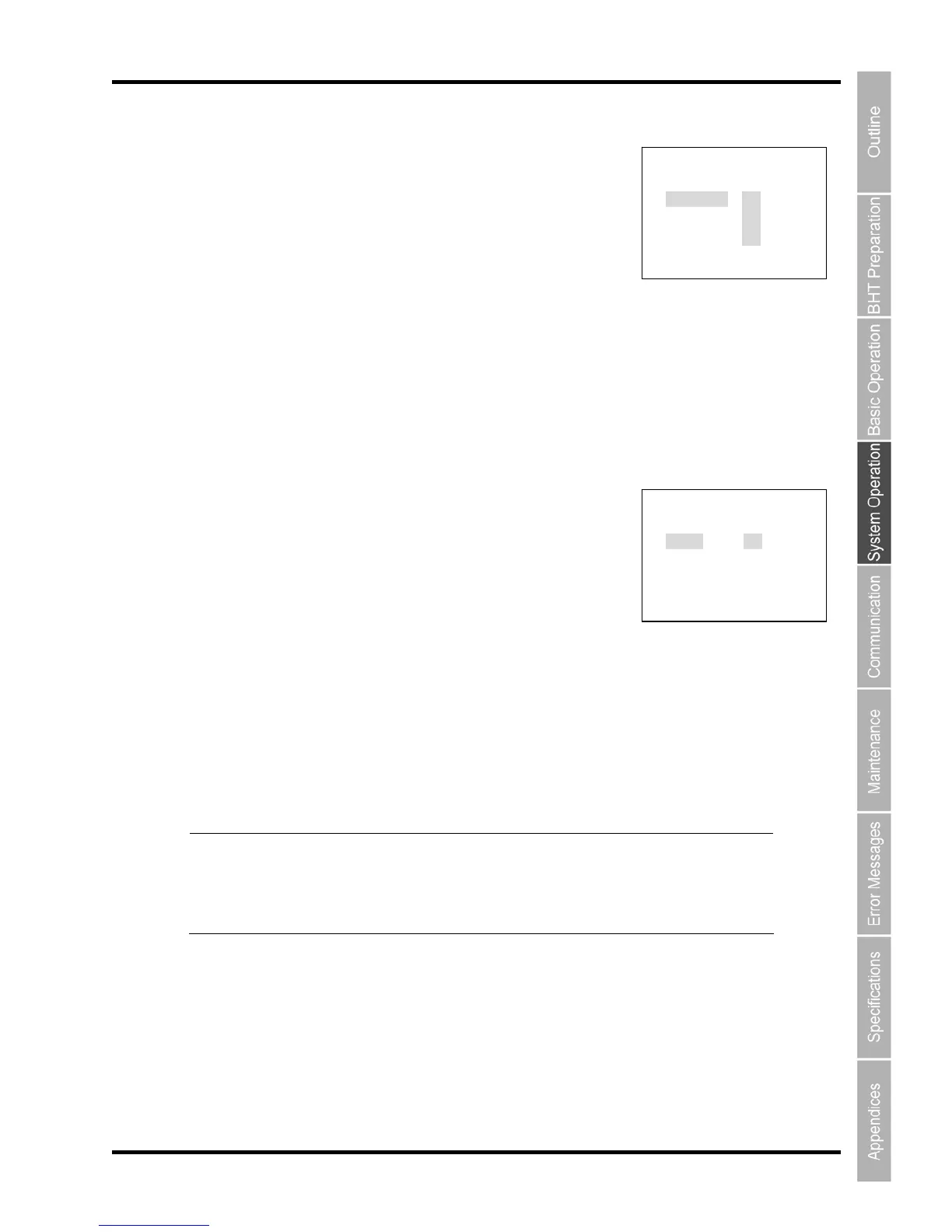
[5] MTP DISP FILTER menu
” in the MTP SETTING menu and
then press the ENT key.
The MTP DISP FILTER menu (FILE ATTRBUTE) is displayed as shown
on the right.
ys ([▲] [▼])) or numeric keys ([1] [2] [3] [4]) to select the menu.
t “Y “NO” not to display.
:ATTR APL : ect “NO” not to display.
: Sel t “Y “NO” not to display.
:ATTR AN ]: Sel t “Y O” not to isplay.
r keys ([◄] [►
Press the Backspace/clear key to return to the MTP SETTING.
The MTP DISP FILTER menu (FILE
EXT
ENSION) is displayed as
sh
4. Use the cursor keys ([▲] [▼])) or numeric keys ([1] [2]) to select
nsion in the file list, select “NO”
extension to filter.
extension
Set “.” for the files without extensions.
e/clear key to return to the MTP SETTING.
ol o the spe
ill
e file
and dro a fi
he le e tens n s
1. Select “3: MTP FILE SETTING
2. Use the cursor ke
[1:ATTR DAT]: Selec ES” to display the data files in the file list, select
[2 ] Select “YES” to display the application files in the file list, sel
[3:ATTR FNT] ec ES” to display the font files in the file list, select
[4 O ec ES” to display the other files in the file list, select “N d
Use the curso ]) to highlight and set ”YES” or “NO”.
3. Press the ENT key.
ow
n on the right.
the menu.
[1:DISP]: Select “YES” to display the files with the specified exte
not to display.
[2:SET]: Set the file
Use “,” as a delimiter when setting more than one .
Use the cursor keys ([◄] [►]) to highlight and set the parameters.
Press the Backspac
Point Contr f cified file can be disabled by not displaying the file in the
explorer (i.e. file list) on a PC with the MTP connection.
The file w b displayed in the file list when receiving the filtered
(drag- - p le into the file list),
T fi x io ettings precedes the file attribute settings.
M TP DISP FILTER 1/2
FILE ATTRIBUTE
1:ATTR DAT YES NO
2:ATTR APL YES NO
3:ATTR FNT YES NO
4:ATTR ANO YES NO
MTP DISP FILTER 2/2
FILE EXTENSION
1:DISP YES NO
2:SET (DELIMITER:,)
[ ]
[ ]
[ ]
[ ]



 To Next Page