70
BHT-904B/BHT-914B
[2] Buzzer/LED control
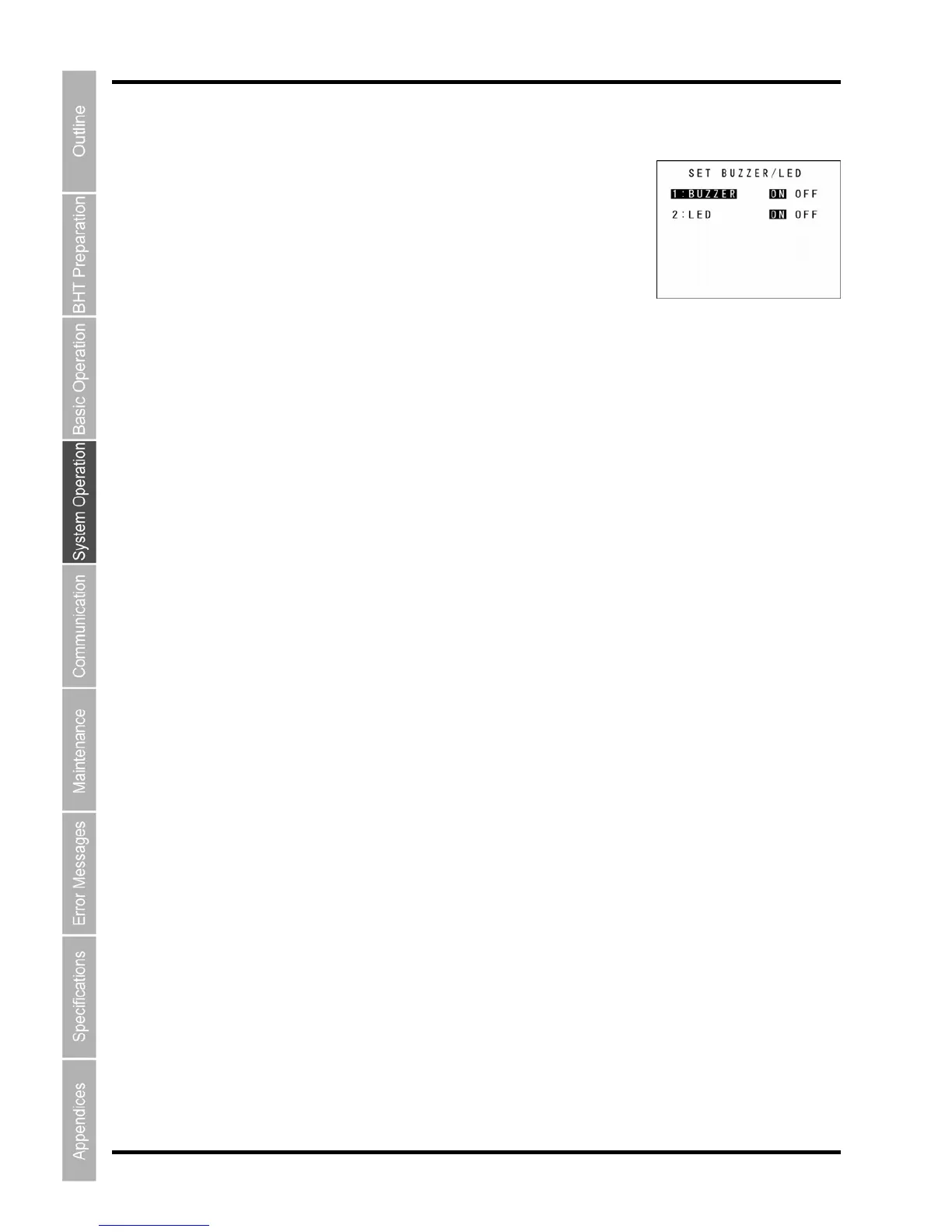
1. Select “2: BUZZER/LED” at the OPEN BAR SETTING menu and
ppears.
when the barcode is read
g mechanism when the barcode is read successfully.
vibrating mechanism when the barcode is read successfully.
:
fully.
lly.
Use the cursor keys ([▲] [▼]) or numeric keys ([1] [2]) to select the desired item.
Press the cursor keys ([◄] [►]) to select the desired setting.
NT or Backspace/clear key to update the setting and retu
rn to the OPEN BAR
SETTING menu.
then press the ENT key.
The SET BUZZER/LED screen a
The highlighted settings are the current settings.
“1: BUZZER”:
Sets the buzzer/vibrating mechanism
successfully.
“ON”: Enables the buzzer/vibratin
“OFF”: Disables the buzzer/
LED”: “2
Sets the LED illumination when the barcode is read success
“ON”: Enables the blue LED illumination when the barcode is read successfu
“OFF”:
Disables the LED illumination when the barcode is read successfully.
2.
3.
4.
Press the E



 To Next Page