02
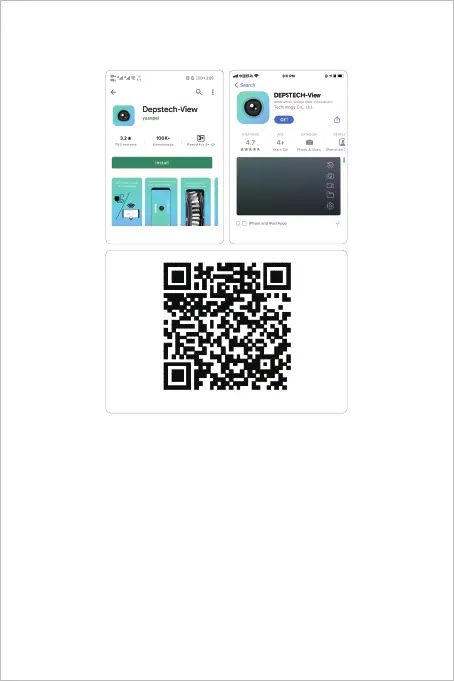
Step 1- APP Downloading
Register
After downloading the APP, it is necessary to register a personal
account before using.
Register and log in
Fill in email - fill in password - view agreement - click register. Please
log in after successful registration. (Note: Please keep your mobile
phone connected with network during registration)
For iOS user (iOS 9+), search and download
“DEPSTECH-View” app from APP Store.
For Android user (Android 7.0+), search and download
“DEPSTECH-View” from Google Play Store.
iOS & Android
Android
iOS



 To Next Page