07
Charging Guide
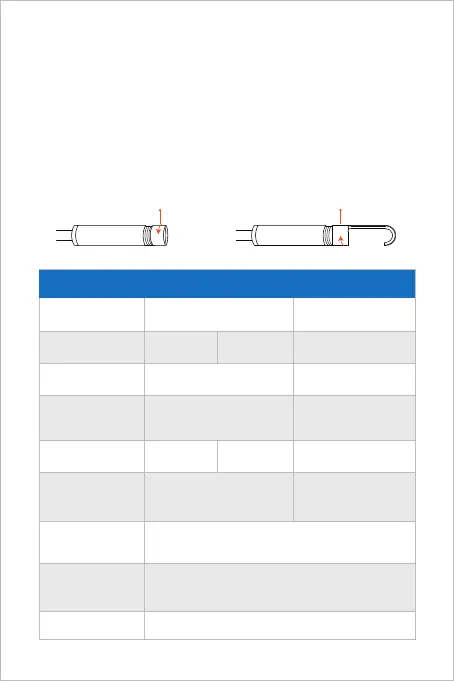
Guide for Accessories Installation
(Not suitable for 0.154in camera)
16.5FT
IP67(For camera part only)
Maximum
Resolution
Sensor
DC 5V/2A
Working Voltage and
Electric Current
WiFi Transmission
Distance
Model
Viewing Angle
Depth of View
Diameter
Waterproof Grade
WF070 WF070 Dual Cam
78°
2*2MP CMOS
1920*1080px
2*70°
Main cam: 1.181-3.150 in
Side cam: 0.787-1.969 in
0.154 in
2MP CMOS
76°
1920*1080px
1.181-3.150 in
0.177 in 0.197 in
Specification
1. Connect the device to the DC 5V USB adapter for charging;
2. During the charging process, the green LED indicator light will be steady on.
3. When the device is fully charged, the green LED indicator will go out.
Turn counterclockwise-remove
accessories
Turn clockwise-tighten
accessories



 To Next Page