31
Rev 07/04/2015
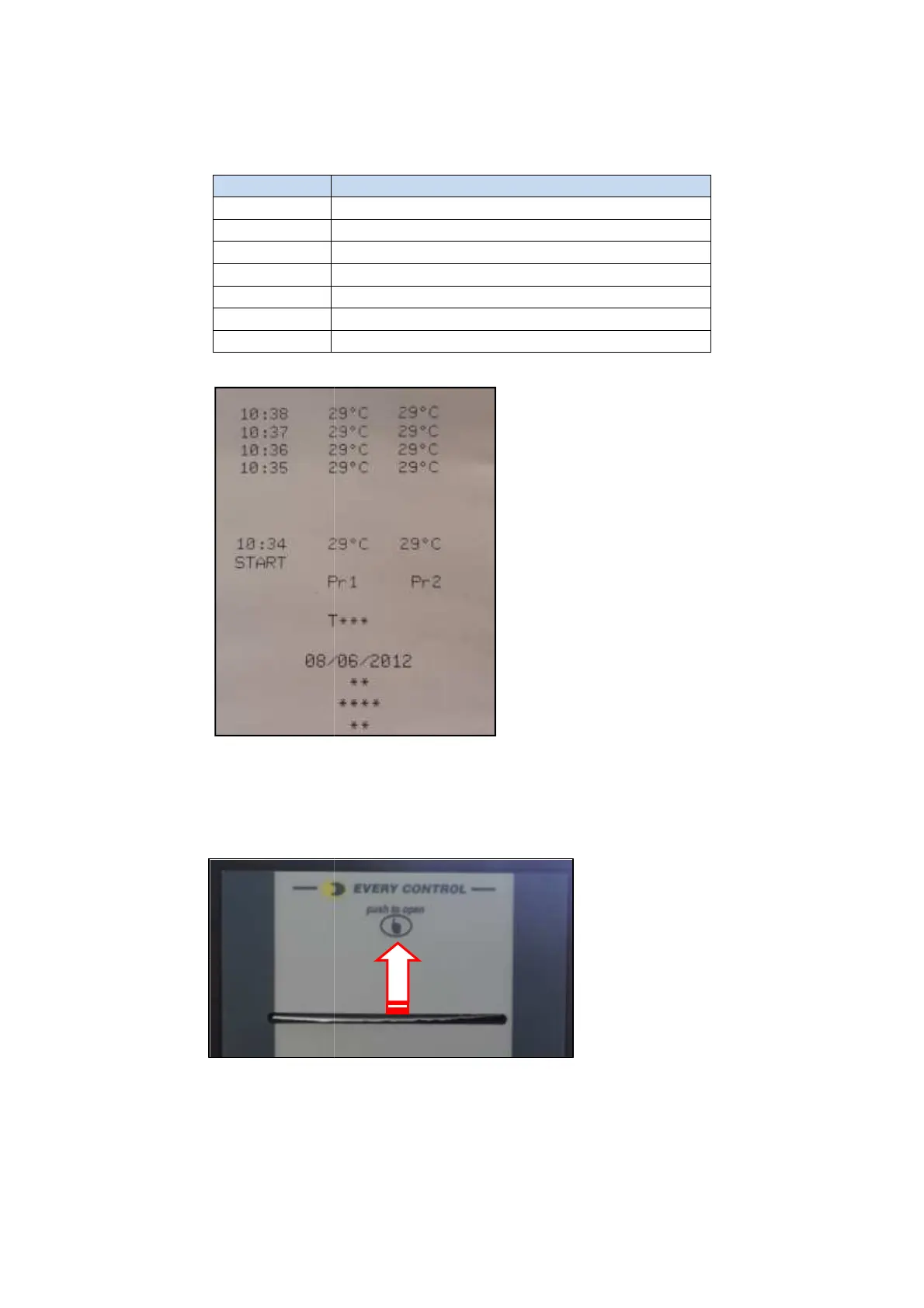
Legend: Type of cycle
Tab 3
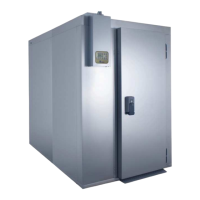
How to replace the paper roll
Push on the printer front panel,
Remove the printer roller by pulling it from one side.
paper between the rollers. R
Needle probe soft chilling
Needle probe hard chilling
Push on the printer front panel,
the cover will open allowing the paper roll
Remove the printer roller by pulling it from one side.
roller and printer cover.
iller Service Manual
the cover will open allowing the paper roll
to be accessed
roll and place the



 To Next Page