EN Service
03/2020 63 / 84
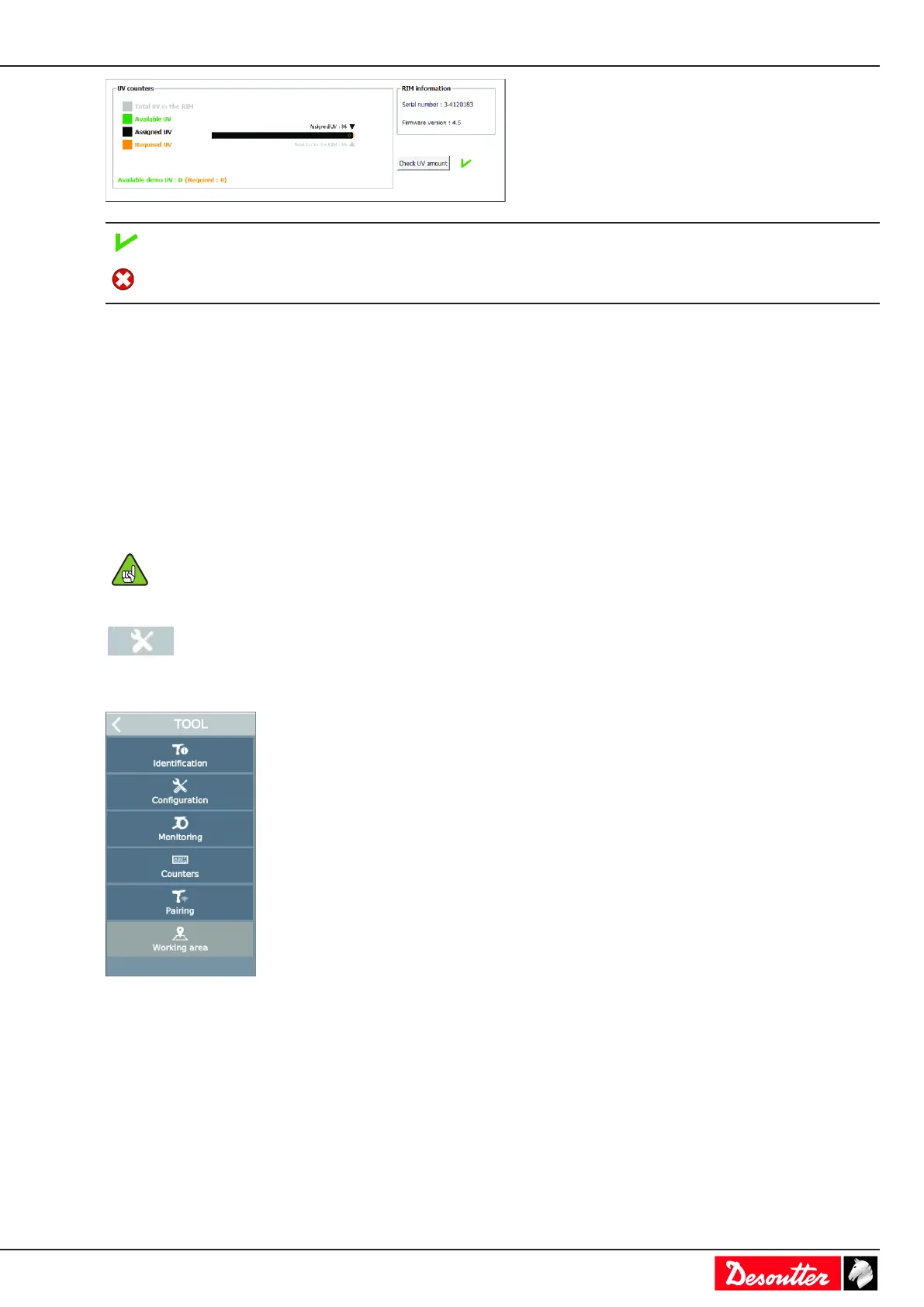
The number of UVs is sufficient to accept the configuration.
The number of UVs is not sufficient to accept the configura-
tion.
Tool maintenance
Getting information about tools
The following information is available in read-only mode.
• identification
• characteristics
• configuration
• calibration alarm
• temperature alarm
Connect the tool to activate the screens.
Press the trigger to wake up the tool.
Go to the start screen and tap this icon.
Tap Tool.
Tap Tool > Identification.
Select the tightening unit.
The following elements identify the tool:
• Manufacturer name
• Model
• Serial number
• User comment
• Tool release
• Tool maximum torque



 To Next Page