Service EN
64 / 84 03/2020
• Tool maximum speed
• Gear ratio
• Tool maximum current
Use the arrows to display other pages.
The characteristics of the tool are:
• Tool type
• Tool family
• Production date
• Motor type
• Application version
• Hardware version
• Boot loader version
Tap Tool > Configuration.
Select the tightening unit.
The configuration lists the triggers used and the accessories mounted on the tool:
• handle trigger
• front trigger
• push start
• Crowfoot
• Tubenut
• Torque multiplier
• Barcode reader
• Front light
• I/O accessory
Changing the tool configuration is performed by Desoutter technicians only.
It is mandatory to calibrate the tools after they have been modified.
Contact your Desoutter representative to get more information and support.
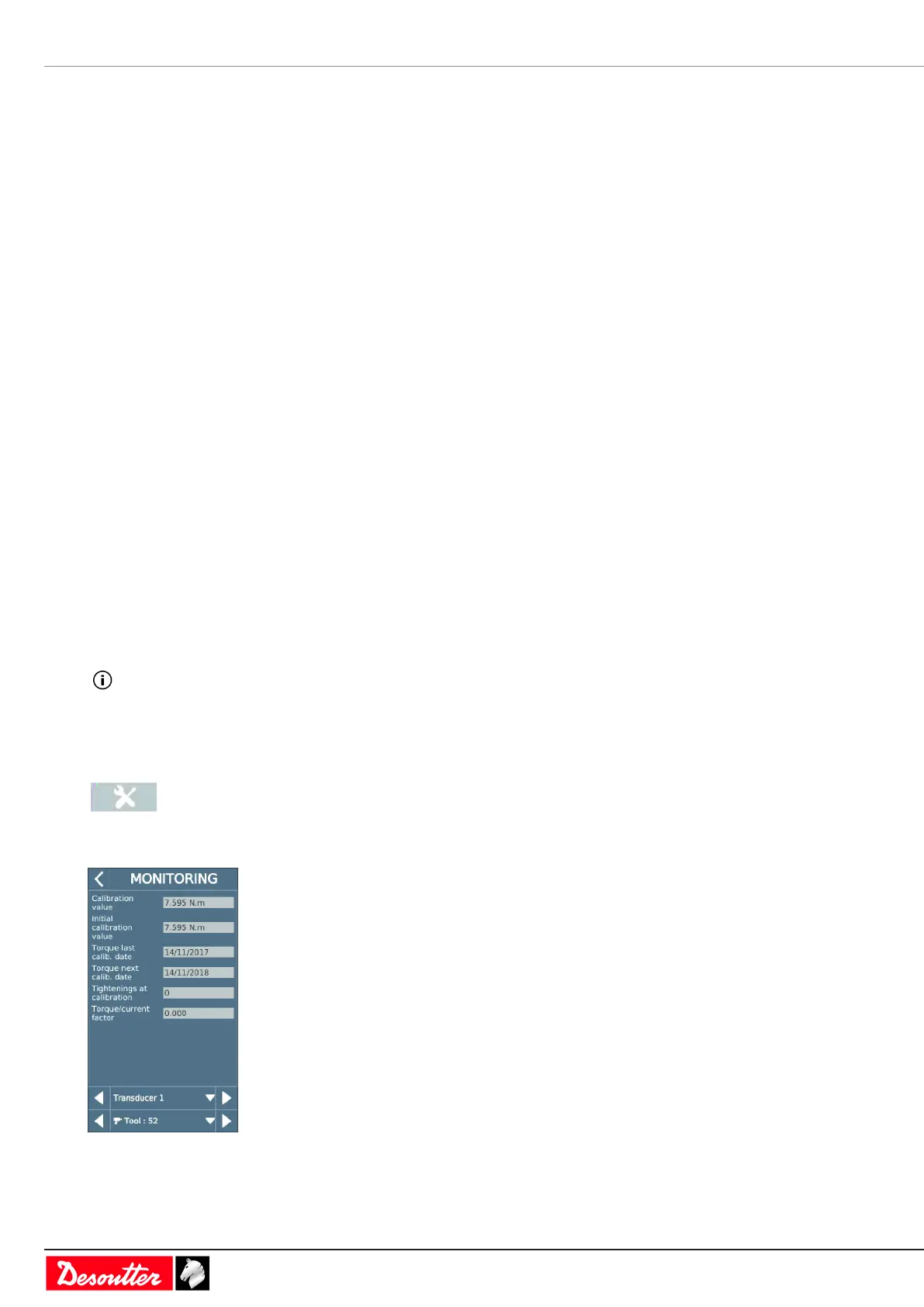
Monitoring the tool calibration status
Go to the start screen and tap this icon.
Tap Tool > Monitoring.
Select the tightening unit.



 To Next Page