65 Aleksandar Stamboliyski Str., 8000 Bourgas, Bulgaria
Tel: +359 56 820027, Fax: +359 56 836700
E-mail: ofce@devabroadcast.com ,Web: www.devabroadcast.com
- 25 -
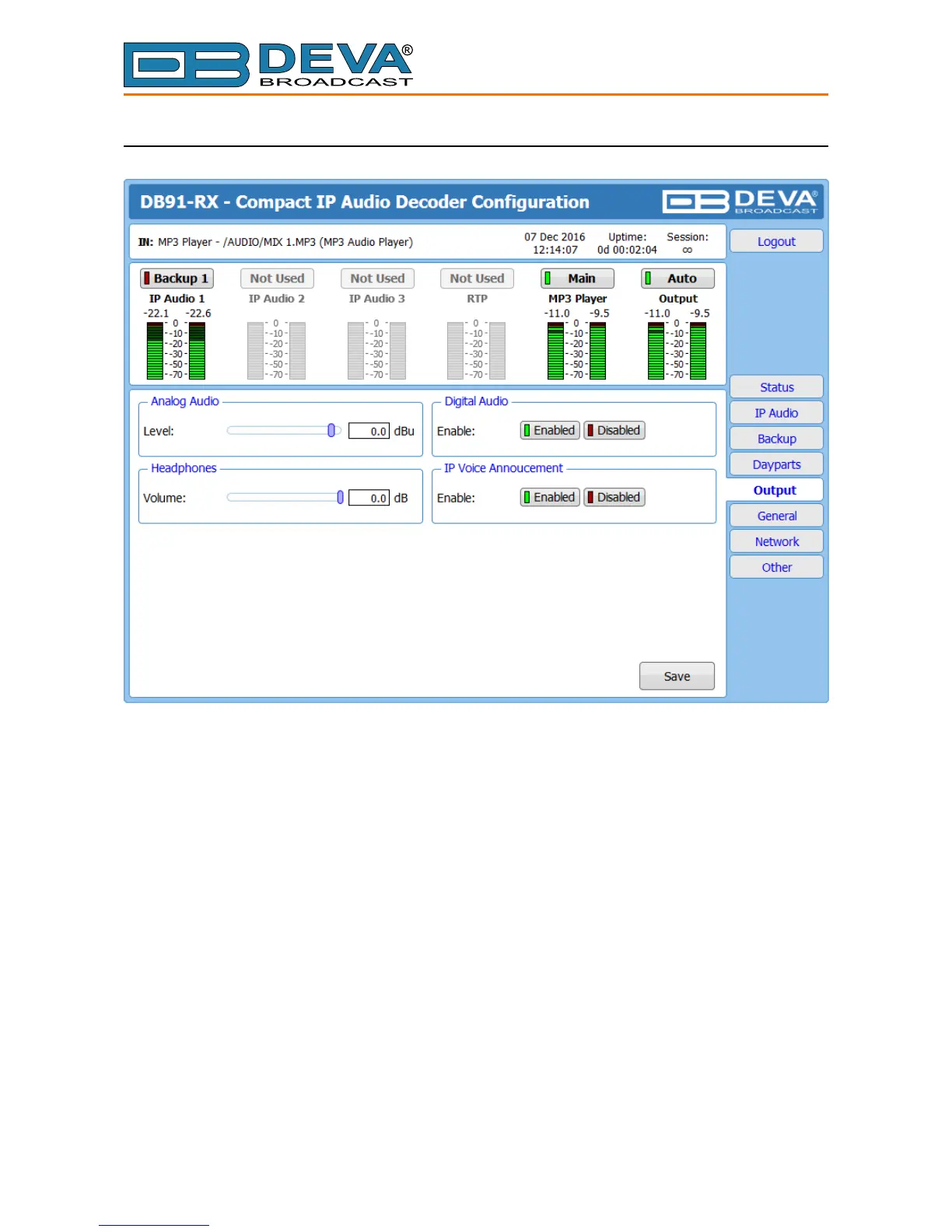
OUTPUT
Analog Audio – set the level of the Analog Audio output (in dBu).
Digital Audio – Enable or disable the Digital Audio output.
Headphones – set the level of the Headphones output.
IP Voice Announcement - Enables or disables the IP Voice Announcement option. By default
and to ease the set-up process the option is enabled. Once the set-up process is completed, it is
recommended the option to be disabled. Otherwise, the IP Voice Announcement will continue to
be played.
NOTE: In order the applied settings to be used press the [Save] button, placed on the bottom
right part of the screen.



 To Next Page