ineo 223/283/363/423 2-37
2.8 Using external memory
2
2.8 Using external memory
The following procedures describe how to use external memory.
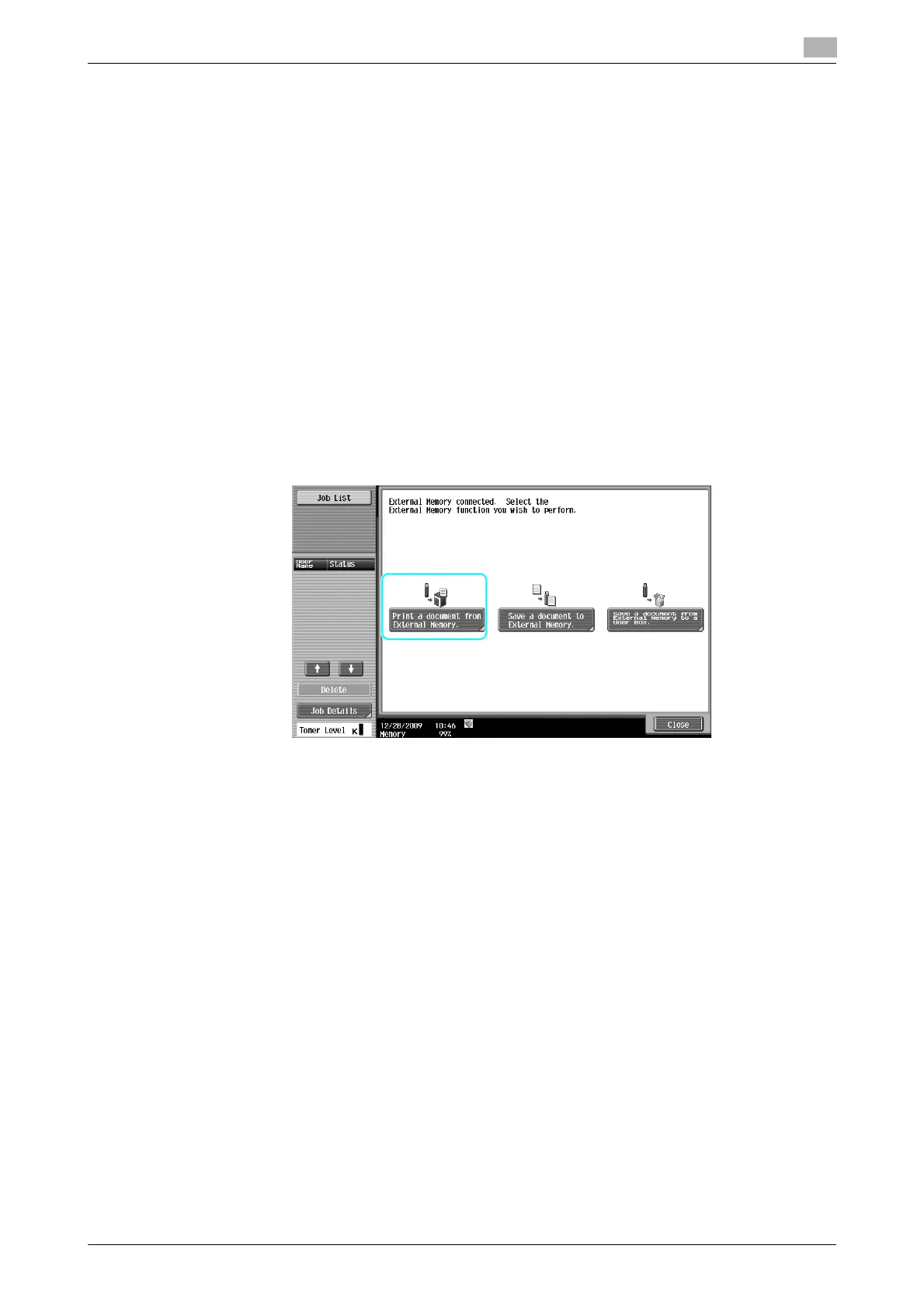
A document can be printed from external memory or saved in external memory without using a computer. A
document in a User Box can be saved in external memory, or a document in external memory can be saved
in a User Box. The save function is available only when a hard disk is installed.
For details, refer to chapter 2 in the [User's Guide Box Operations].
Reference
- Connect the external memory device to the USB connector.
- A document in external memory can be saved in a User Box only when a hard disk is installed. You can
also save a document stored in a User Box in external memory only when a hard disk is installed.
- You can save a scanned document in external memory even when a hard disk is not installed.
d Reference
When saving a document stored in external memory to a User Box, or saving a scanned document to external
memory, configure settings in advance. For details, refer to chapter 8 in the [User's Guide Box Operations].
Printing a document in external memory
1 Connect the external memory to this machine, and press [Print a document from external memory.].



 To Next Page