ineo 223/283/363/423 4-11
4.5 Finishing documents
4
4.5 Finishing documents
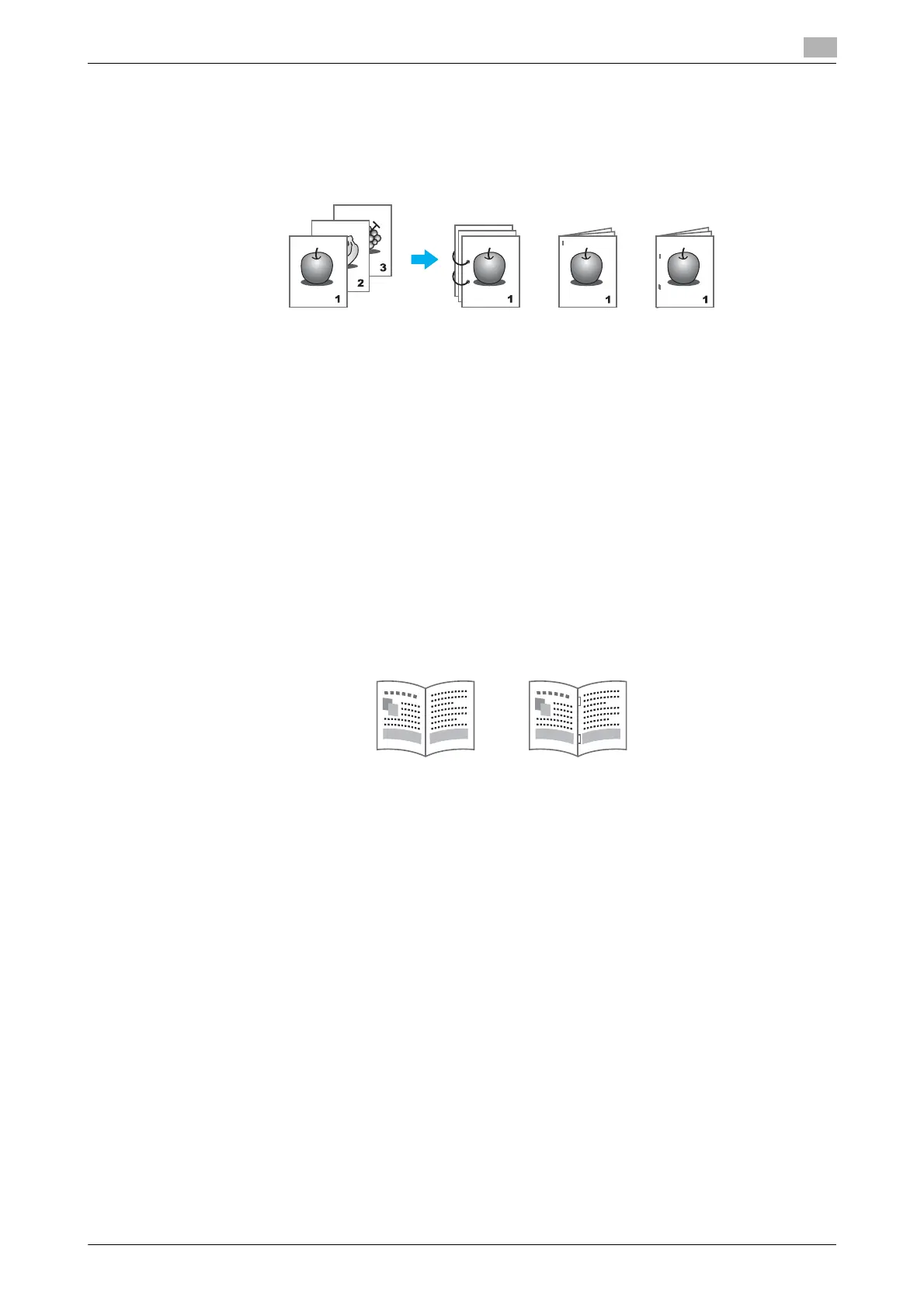
Stapling and hole punching
Printed documents can be bound with staples or have holes punched in them.
Windows PCL/PS/XPS drivers: Finish tab
Macintosh OS X driver: Layout/Finish
Reference
- The Staple settings are available only if the optional finisher has been installed.
- The Punch settings are available only if the optional punch kit and finisher FS-527 have been installed.
- By selecting an output tray, the output destination can be specified.
- Select the desired Paper Arrangement setting to specify whether priority is given to the finished product
or to productivity as the method for adjusting the binding position.
d Reference
For details, refer to chapter 9 and chapter 10 of the [User’s Guide Print Operations].
Center stapling and folding
Select whether the finished document is folded in half, or whether it is folded in half and stapled.
Windows PCL/PS/XPS drivers: Finish tab
Macintosh OS X driver: Layout/Finish
Reference
- The Center Staple and Fold, and Fold settings are available only if the optional finisher FS-527 and
saddle stitcher have been installed.
d Reference
For details, refer to chapter 9 and chapter 10 of the [User’s Guide Print Operations].
Half-Fold Center Staple
and Fold



 To Next Page