ineo 223/283/363/423 2-39
2.8 Using external memory
2
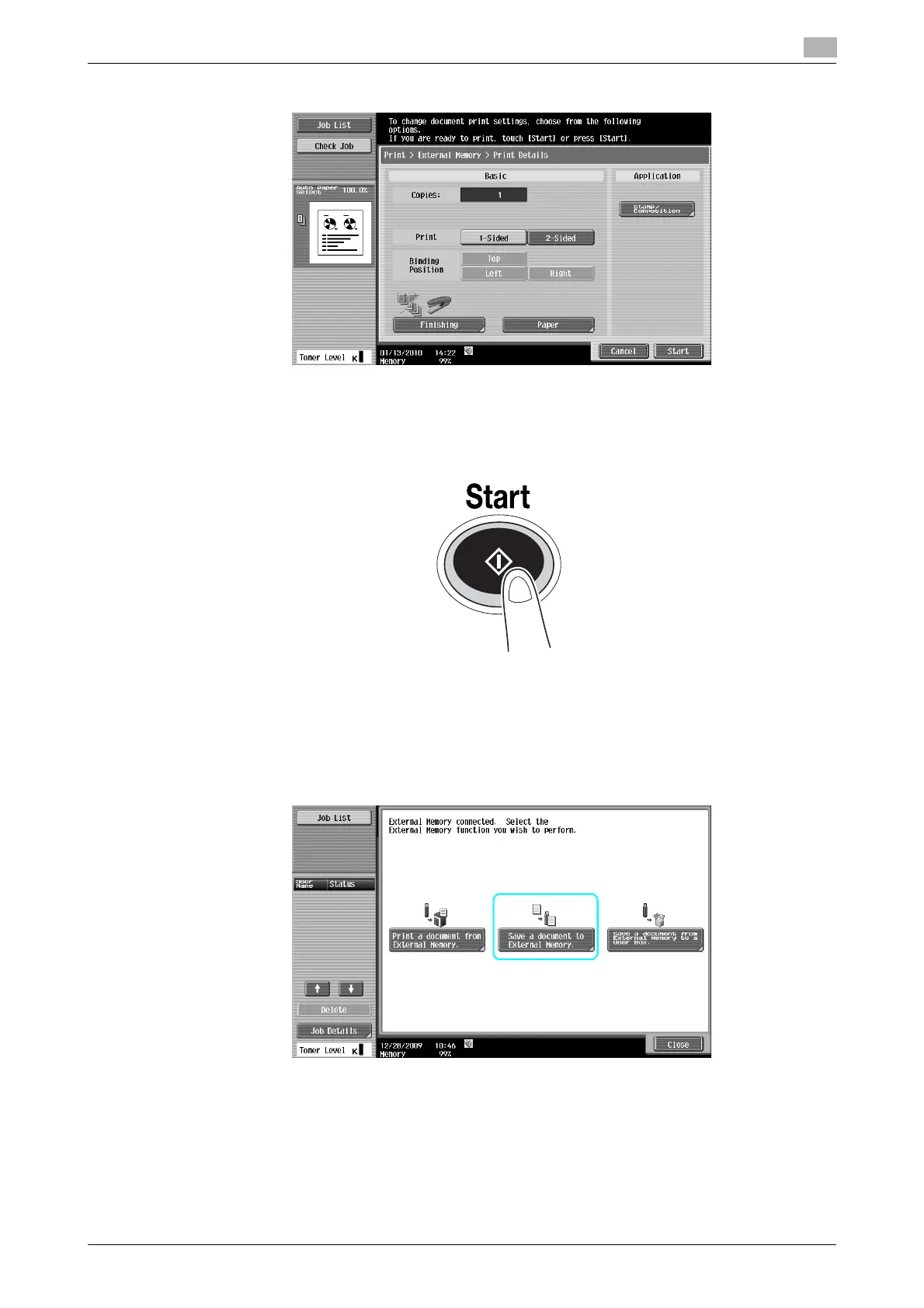
3 Check print settings.
% Print settings can be changed when printing a document. For details on how to configure print
settings when printing a document, refer to chapter 7 in the [User's Guide Box Operations].
4 Press [Start] key.
% You can also press [Start] to start a job.
Saving a scanned document to external memory
1 Connect external memory to this machine, and press [Save a document to external memory.].



 To Next Page