Checking the copies
3
3-32 ineo 223/283/363/423
3.12
3.12 Checking the copies
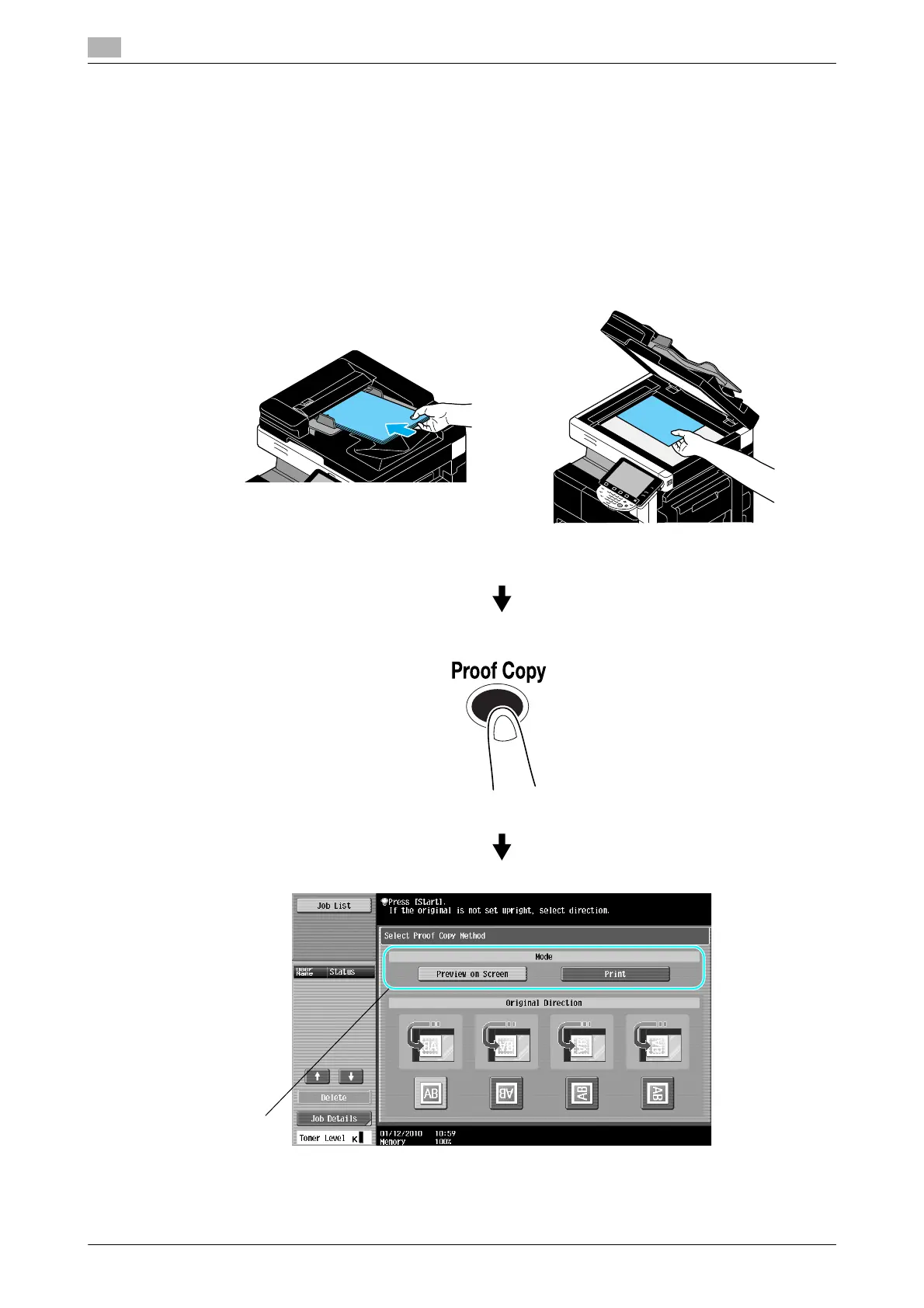
Proof Copy
Before printing a large number of copies, a single proof copy or print image can be checked as a preview
image. This allows copy errors to be corrected before a large number of copies are printed.
Reference
- The function for checking the finishing status with a preview image is available only when a hard disk
is installed.
- The "Select Proof Copy Method" screen is displayed only when a hard disk is installed.
Select the desired copy settings.



 To Next Page