Adjusting the image quality
4
4-16 ineo 223/283/363/423
4.8
4.8 Adjusting the image quality
Quality Adjustment
A document can be printed while preventing colored characters, lines, or figures from fading, or the image
quality can be adjusted.
Reference
- The Edge Enhancement function can be specified to highlight the edge of characters, graphics and
images to make small characters more visible.
- The Toner Save function can be specified to control the print density and saves the toner consumption.
- The Windows PCL/XPS driver has the "Pattern" function that specifies the fineness of graphic patterns.
Windows PCL/PS/XPS drivers: Quality tab
Macintosh OS X driver: Quality
d Reference
For details, refer to chapter 9 and chapter 10 of the [User’s Guide Print Operations].
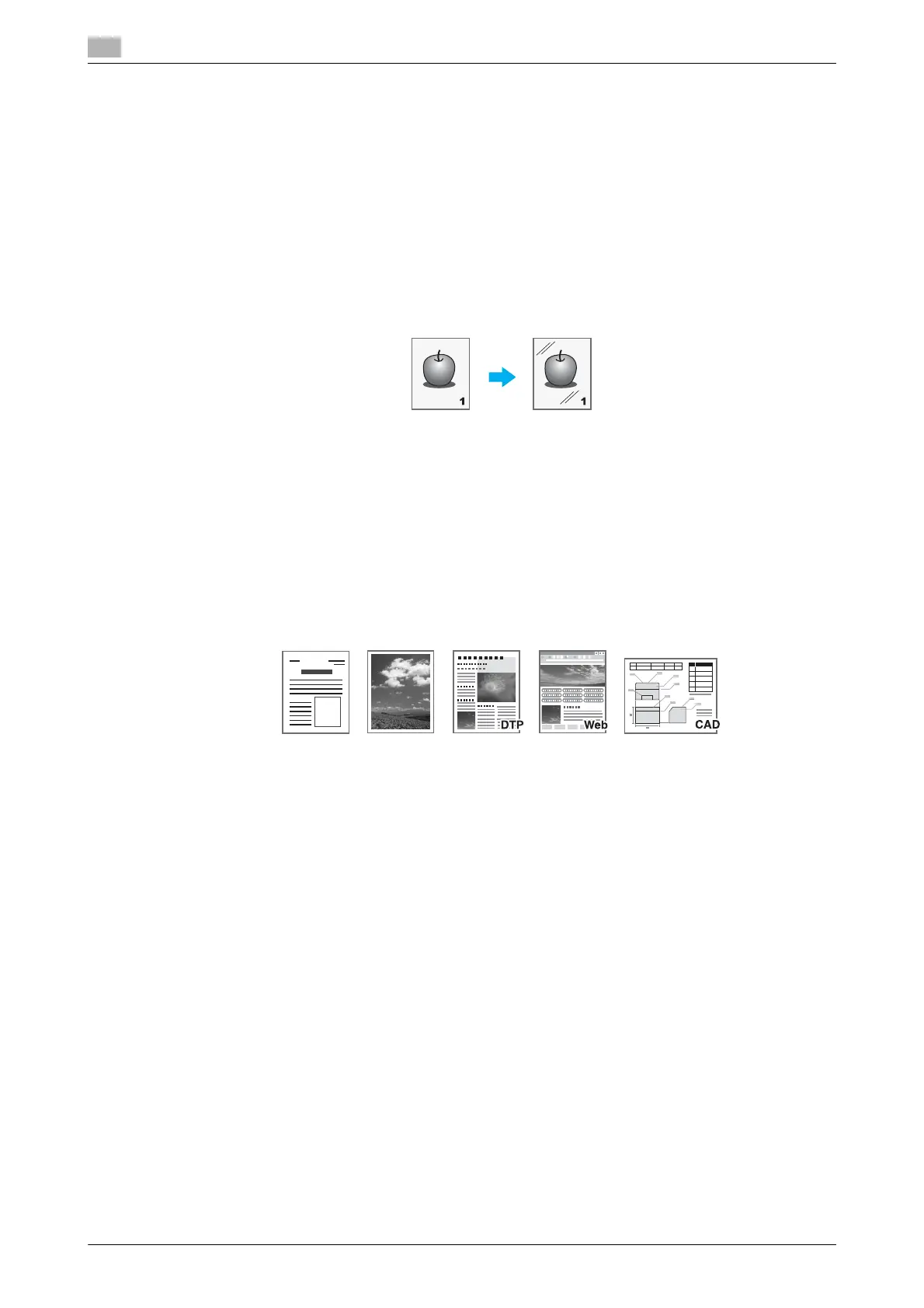
Original Type
The document can be printed with the image quality appropriate for the contents of the document.
Windows PCL/PS/XPS drivers: Quality tab
Macintosh OS X driver: Quality
d Reference
For details, refer to chapter 9 and chapter 10 of the [User’s Guide Print Operations].
Document Photo DTP Web CAD



 To Next Page