ineo 223/283/363/423 7-5
7.2 Scanning double-sided documents
7
7.2 Scanning double-sided documents
Scan Settings
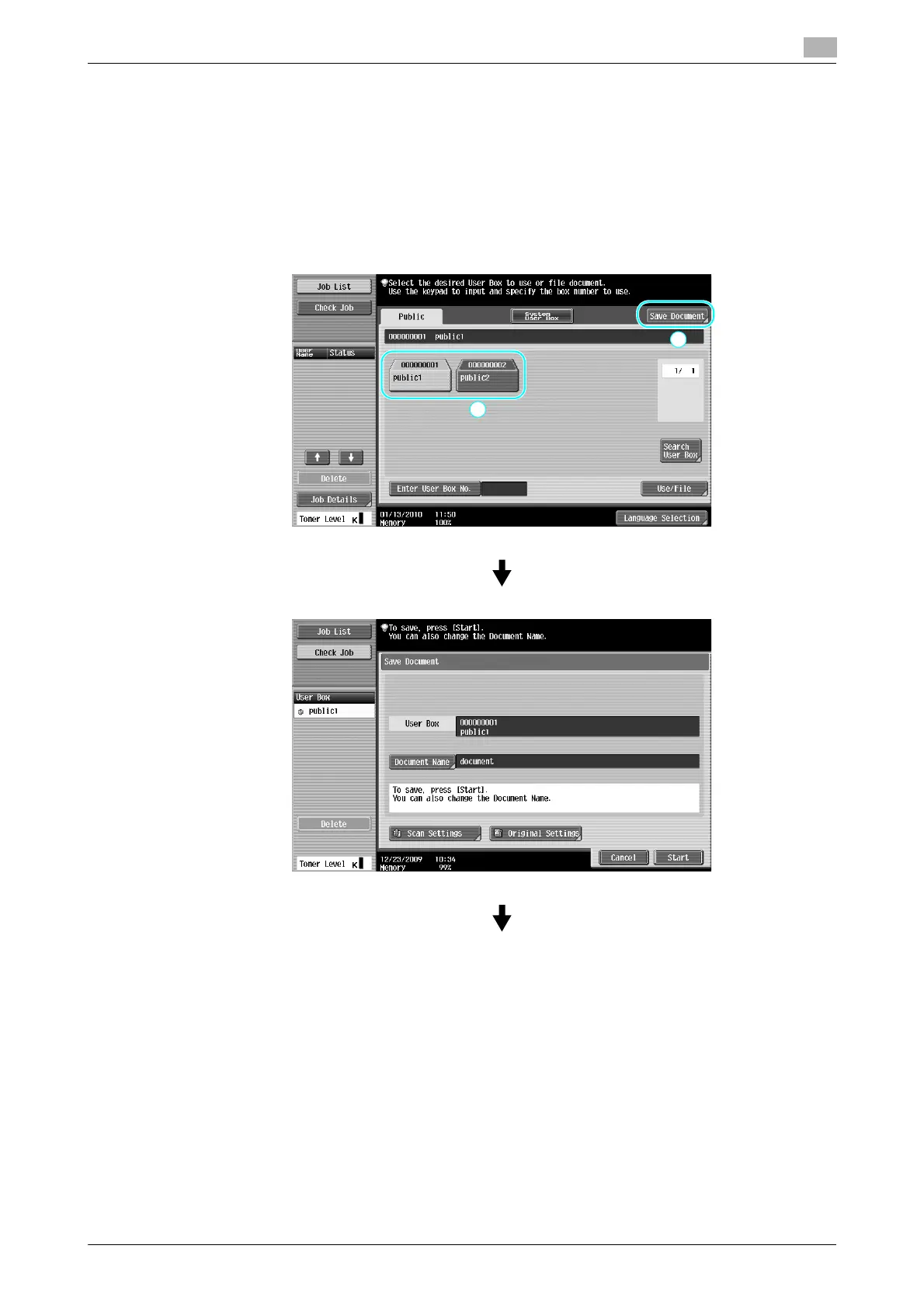
When saving data in a user box from User Box mode, press [Scan Settings] to change the settings for
scanning the document. To scan double-sided documents, select "2-Sided" in the Scan Settings screen.
Reference
- If a hard disk is not installed, the scanned document can only be saved in external memory.



 To Next Page