Troubleshooting
9
9-4 ineo 223/283/363/423
9.1
Answer
Check for the following.
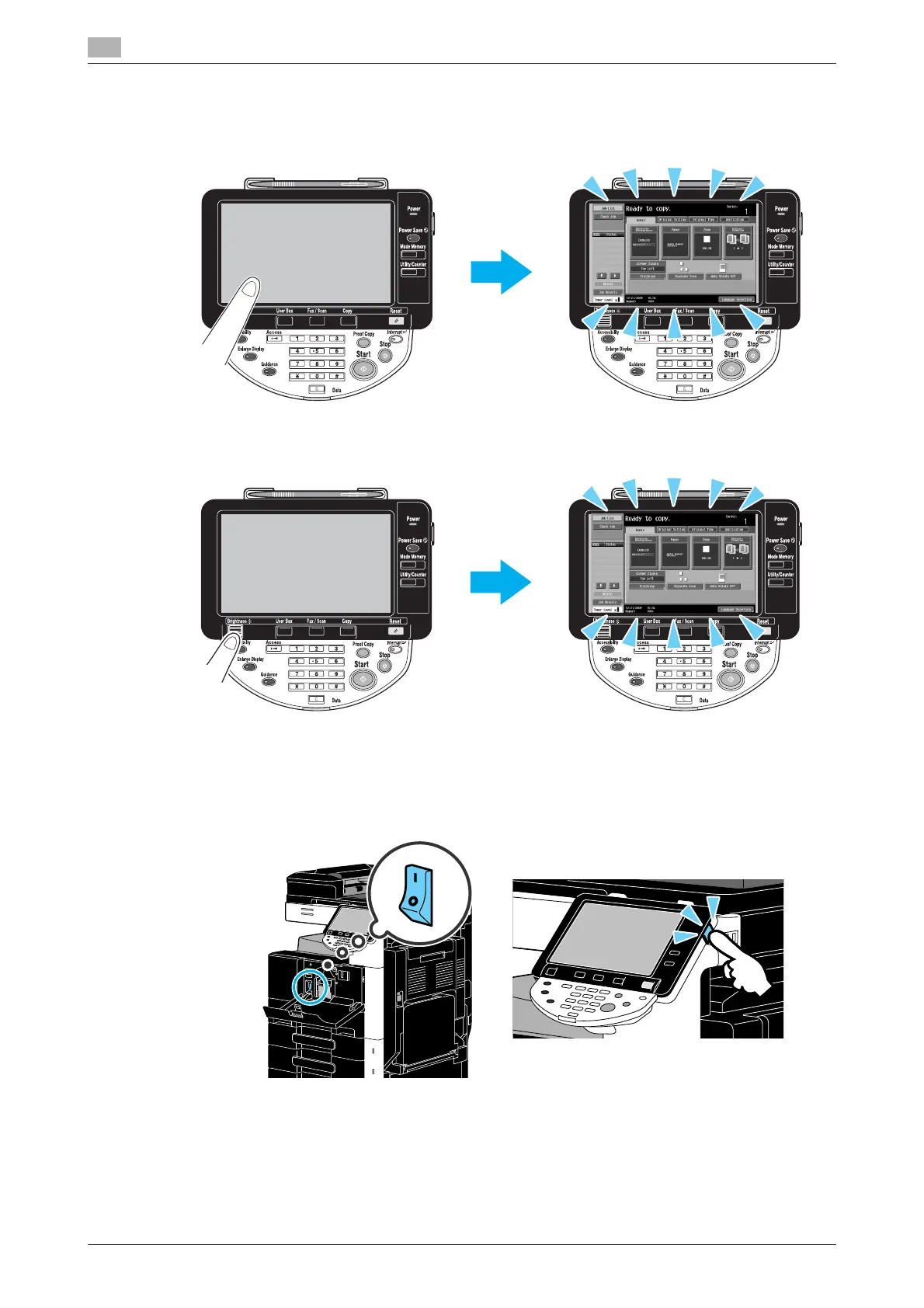
- Use the [Brightness] dial in the control panel to adjust the brightness of the screen in the touch panel.
- Touch the touch panel. There is no problem if the touch panel lights up. When the machine is in Power
Save mode, touching the touch panel or pressing a key in the control panel cancels Power Save mode.
- Try pressing the [Power Save] key in the control panel. If the weekly timer has set the machine in Sleep
mode, a screen appears in the touch panel when the [Power Save] key is pressed. Enter the information
indicated in the screen to be able to use the machine during non-business hours.
- Check that the machine has been turned on by using both the sub power switch and the main power
switch.
NOTICE
If no screen appears in the touch panel after the indicated items have been checked, contact your service
representative.



 To Next Page