ineo+ 220/280/360 (Version 3) 2-41
2.8 Using external memory
2
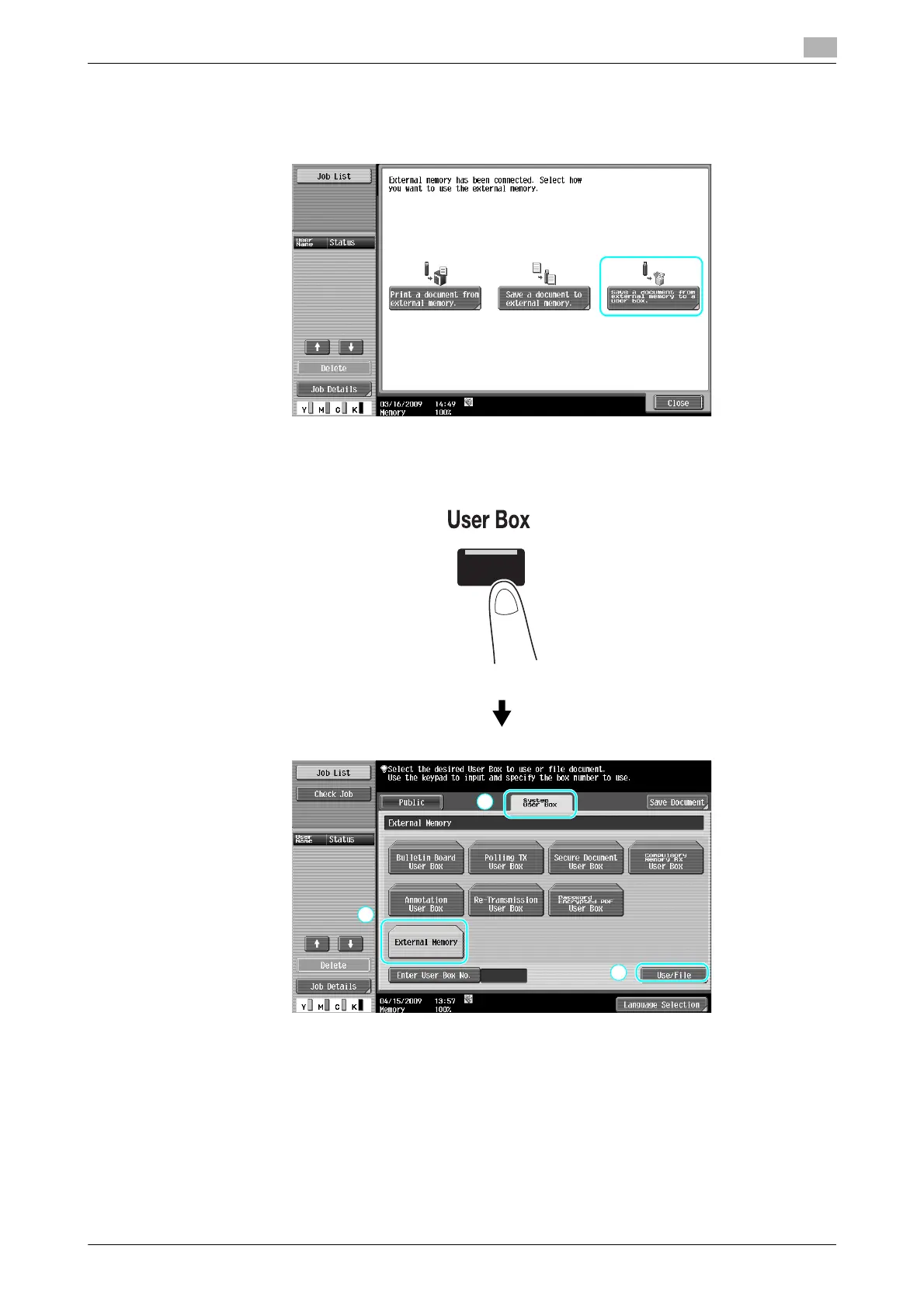
Saving a document stored in external memory to a User Box
1 Connect external memory to this machine, and press [Save a document from external memory to a user
box.].
% If an external memory is already connected, press [Use/File] on the screen for User Box function.
For details on [Use/File], refer to chapter 7 in the [User's Guide Box Operations].









 To Next Page