Adding text and images when printing
4
4-14 ineo+ 220/280/360 (Version 3)
4.7
4.7 Adding text and images when printing
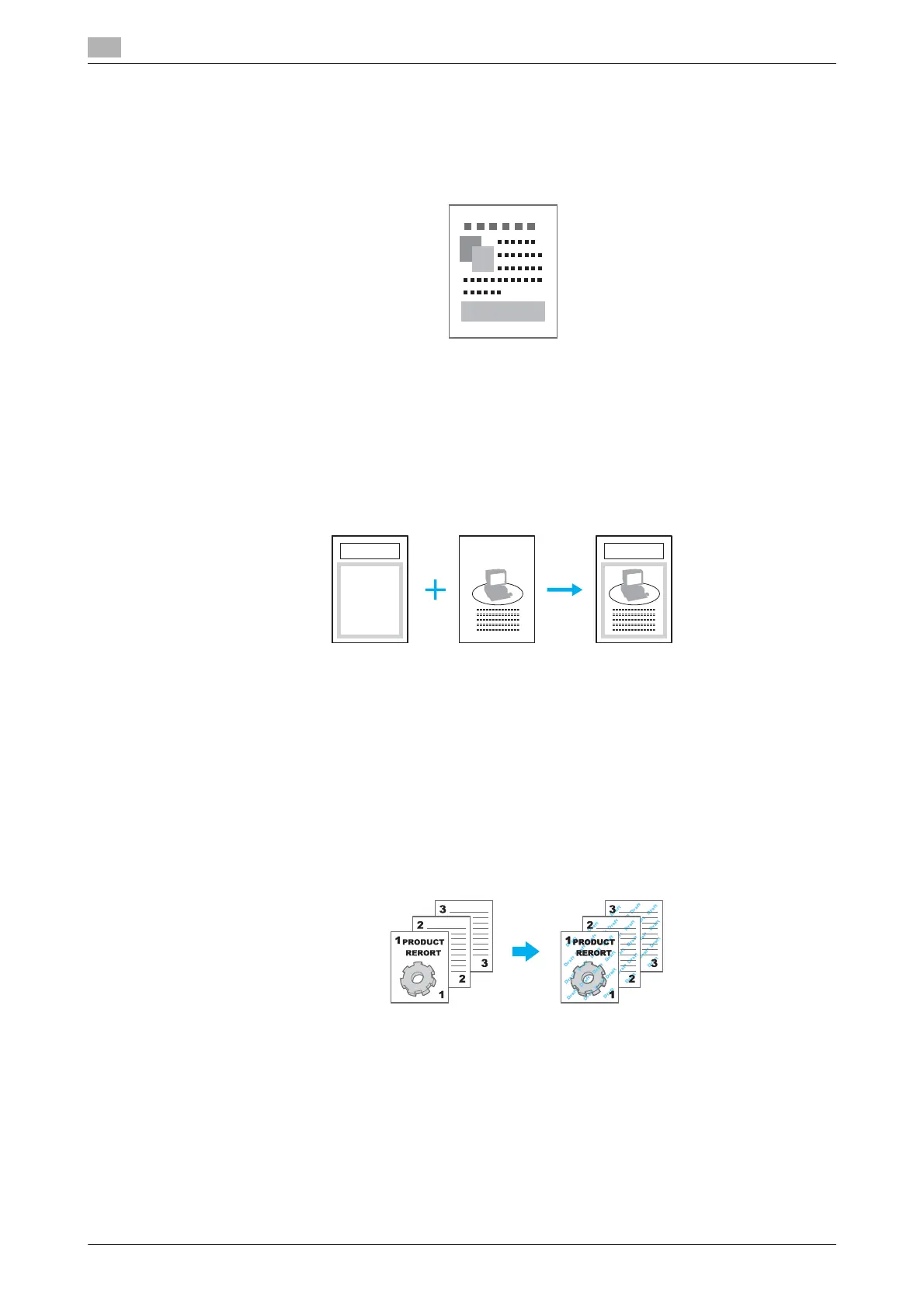
Watermark
The document can be printed overlapping a watermark (text stamp).
Windows PCL/PS/XPS drivers: Stamp/Composition tab
d Reference
For details, refer to chapter 9 of the [User’s Guide Print Operations].
Overlay
The document can be printed overlapping separate overlay data.
Windows PCL/PS/XPS drivers: Stamp/Composition tab
d Reference
For details, refer to chapter 9 of the [User’s Guide Print Operations].
Copy Security
Specify a special pattern or password to prevent copying. There are four copy protect functions: Copy
Protect, Repeatable Stamp, Copy Guard, and Password Copy.
Example: Copy Protect
- To use the "Copy Guard" and "Password Copy" functions, the optional security kit SC-507 is required.
Windows PCL/PS/XPS drivers: Stamp/Composition tab
Macintosh OS X driver: Stamp/Composition
d Reference
For details, refer to chapter 9 and chapter 10 of the [User’s Guide Print Operations].
Over lay data Original data









 To Next Page