Managing and limiting printing
4
4-6 ineo+ 220/280/360 (Version 3)
4.2
4.2 Managing and limiting printing
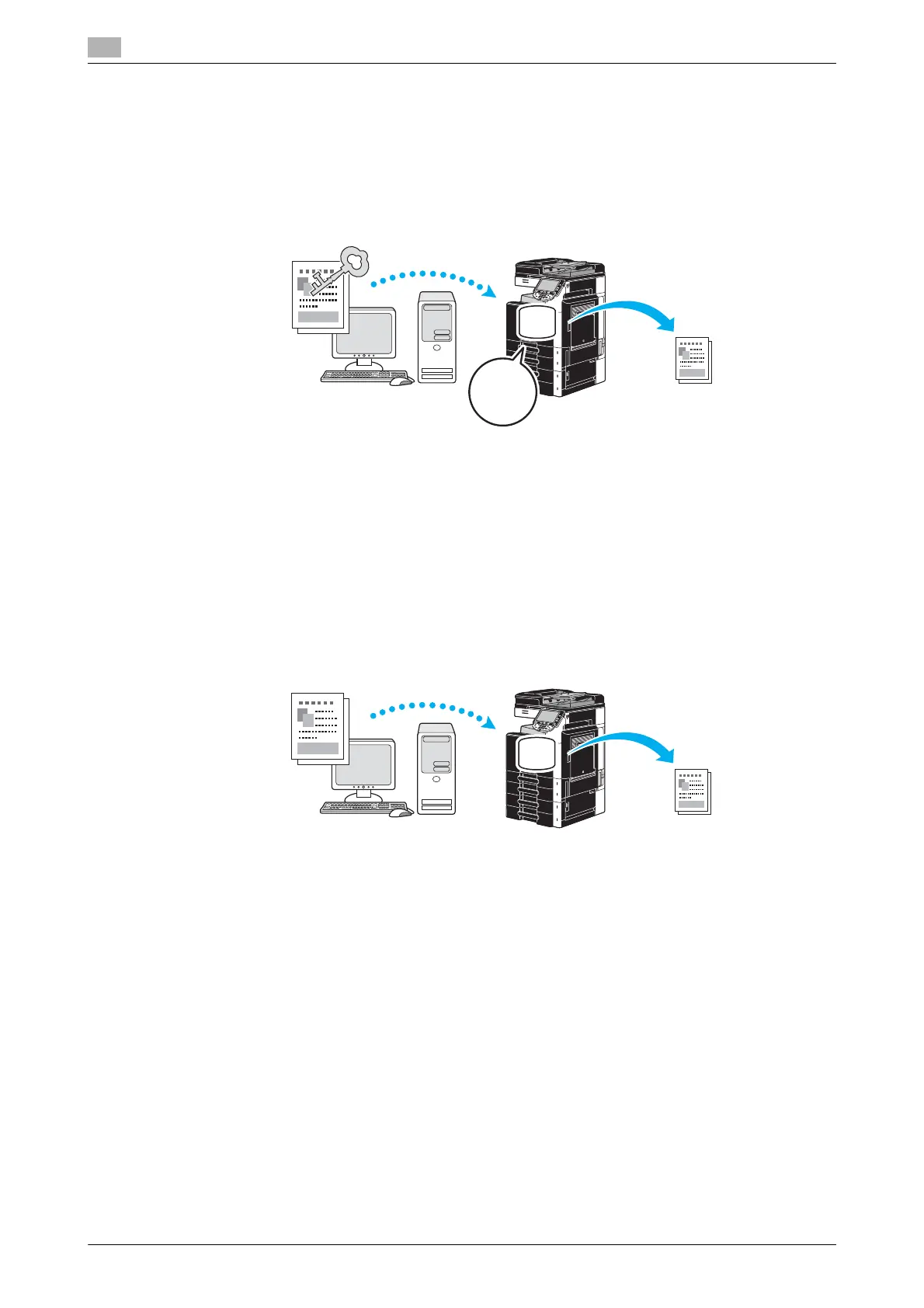
Secure Print
A password can be specified for the document.
This feature is useful for printing confidential documents since the document cannot be retrieved unless the
password is entered from the machine’s control panel.
Windows PCL/PS/XPS drivers: Basic tab
Macintosh OS X driver: Output Method
d Reference
For details, refer to chapter 9 and chapter 10 of the [User’s Guide Print Operations].
Save in User Box
The document can be saved in the specified user box.
Since the saved data can be printed when it is needed, this feature is useful for organizing documents in
public or private user boxes, depending on the document contents.
Windows PCL/PS/XPS drivers: Basic tab
Macintosh OS X driver: Output Method
d Reference
For details, refer to chapter 9 and chapter 10 of the [User’s Guide Print Operations].









 To Next Page