ineo+ 220/280/360 (Version 3) 6-9
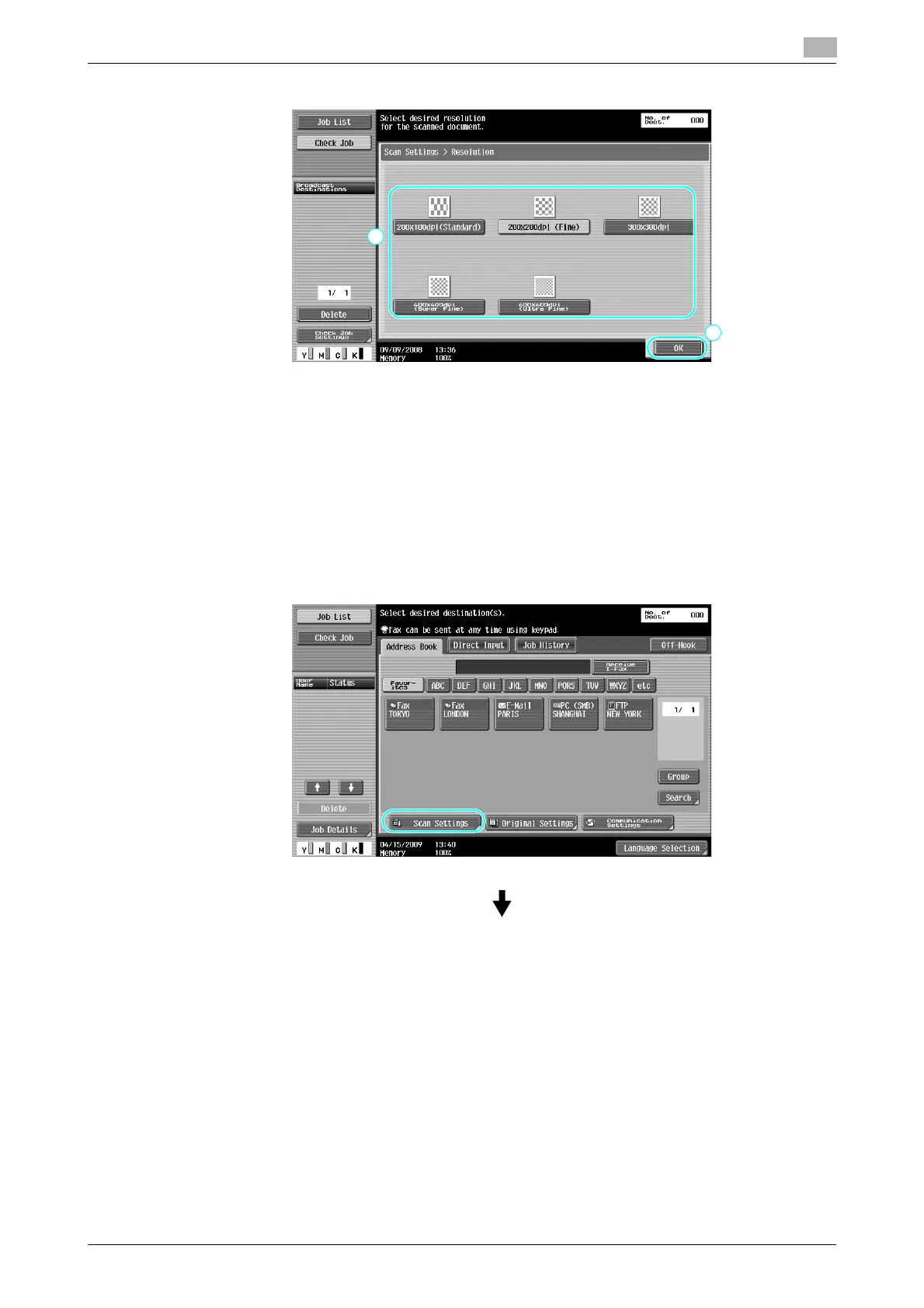
6.2 Transmitting fine text and clean images
6
Reference
- The higher the resolution, the larger the data becomes.
d Reference
For details, refer to chapter 5 of the [User’s Guide Network Scan/Fax/Network Fax Operations].
Selecting an Original Type setting
Select the appropriate scanning method for the text and image type of the document.









 To Next Page